
Notes to Song for Your Next Study Session

Turn study notes into songs built around the points you want to review. Paste a focused topic into the description, ask for clear vocals, and give your facts a chorus you can revisit. Here, notes means written learning material, not musical notation.

Generation mode
0/3000

Songs

Play a sample before you generate. Your own track replaces this list.

How to Turn Notes into a Song

Begin with a small set of ideas you already understand. The song gives those ideas another form for review; your original notes remain the place to check their meaning.

  1. Choose the points to sing

    Pick one lesson, definition set, or short sequence. Rewrite the essential points in plain sentences, keeping names, units, and conditions beside the facts they qualify. Remove unrelated examples and personal information. If a paragraph contains several different ideas, separate them before pasting. This makes it easier to notice an omitted point later and keeps the request focused on what you actually need to review.

  2. Describe the study song

    Use the Description mode in the tool. Paste your notes and ask for a vocal song with a repeating chorus that includes your key points. Add a style such as gentle pop or a steady rap, and leave Instrumental off so the track can include words. Sign in when prompted and check the credits shown before generating. The description is a request, so review the actual result rather than assuming every instruction was followed.

  3. Listen, check, and revise

    Listen with the source notes open and compare each sung claim against them. Check dates, signs, units, definitions, and any exception that matters to the lesson. If a line changes the meaning, revise the wording before making another version. For more control over the words, switch to Lyrics mode and paste your reviewed lyrics with a style description. A new generation is a separate request, so check its displayed cost too.

Build a Study Song Around Meaning

Choose a concrete example, protect its meaning, and make room to test yourself after listening. These three decisions matter more than squeezing an entire chapter into one track.

Try a small, checkable science example

Try this description: “Make a gentle pop study song about water. Include these points: ice is solid water; liquid water takes the shape of its container; water vapor is water in its gas state. Repeat solid, liquid, gas in the chorus. Use clear vocals.” These are supplied learning points, not a transcript of a generated track. Keep the distinctions in the lyrics: visible mist is tiny droplets, while water vapor itself is invisible. If the song describes a cloud as the gas itself, correct that line. You can use the same approach with a short vocabulary set: provide each term and its meaning together, then check that the song keeps the pairs intact.

Turn My Notes into a Song


Paper illustration of ice, liquid water and rising curls above a bowl

Keep the fact when you change the rhyme

A catchy line is only useful for study when its meaning survives. Mark the terms that must remain unchanged, then let the connecting words be flexible. For a definition, keep the defining property in the same line as the term; for a sequence, check the order separately from the rhyme. Read your proposed lyric aloud before using Lyrics mode. If you have to rush through a long technical phrase, split it across two lines or remove a decorative phrase. Do not remove a condition just because it is awkward to sing. Ask a teacher or use your course source when the meaning is uncertain.

Turn My Notes into a Song
A learner compares a loose sheet with an open reference book

Pause the music and recall the idea

Give each track a specific job in your study routine. After listening, pause playback and explain the main idea without singing along or looking at the notes. Write the definition, put the steps in order, or answer a practice question. Then compare your answer with the source material. If you remember the chorus but cannot explain what it means, return to the lesson and work through an example. You can keep the song as one review option alongside written practice. A familiar melody is not proof of understanding, and this tool does not promise better grades or a guaranteed improvement in memory.

Turn My Notes into a Song
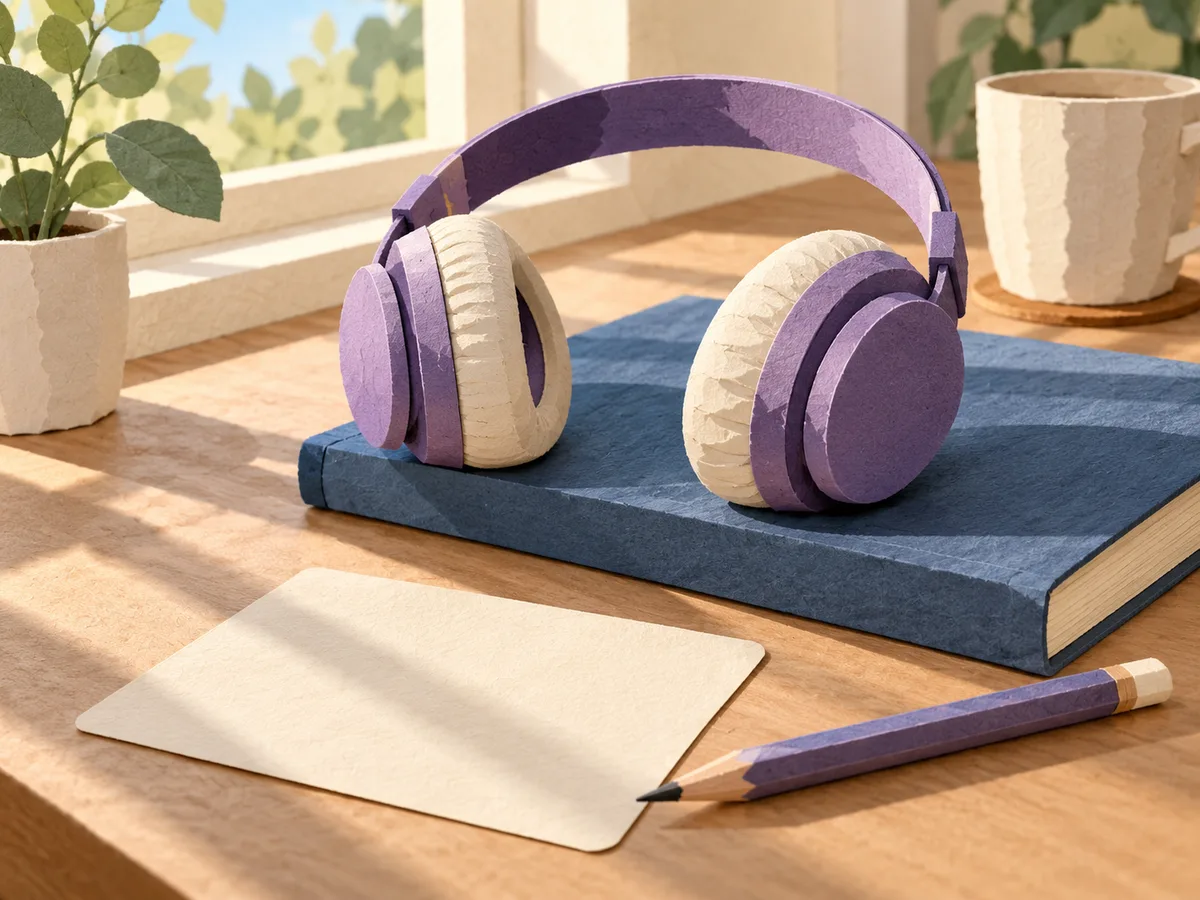
Headphones rest on a closed study book beside a blank recall card

Choose the Right Input for Your Lesson

Text to Song and Text to Music describe the broader process. Notes to Song applies that process to written knowledge points, with the meaning of the words as the priority.

Description for raw study points

Use a description when you have facts but have not written verses. Separate the learning material from your musical request: first list the points, then ask for a style and a chorus. Avoid a vague prompt such as “teach me chemistry,” which leaves the choice of facts to the generator. Your own short outline gives you a clear checklist for reviewing the result.

Lyrics for wording you have checked

Use Lyrics mode when the exact phrasing matters. Put your checked verses in the lyrics field and describe the sound separately. Keep one idea per line where possible, and place the central definition in a chorus if you want it repeated. This gives you direct input into the words; it still calls for listening to the finished vocal and checking what was actually sung.

Vocals for facts you want to hear

For a knowledge point to be sung, leave the Instrumental option off. Ask for clear articulation and a pace that suits the length of your terms. Those directions guide the request; they are not separate pronunciation or tempo controls. An instrumental track can accompany a study session, but it cannot sing the definitions you supplied.

Small topics for easier review

Split a long chapter into topics before creating songs. A definition set and a timeline have different checking tasks, so give each its own outline. Keep a copy of the source points with your study materials. When a lesson changes, compare the new source with the old lyrics before reusing a familiar track. Follow the current input limit shown by the tool.

Notes to Song Questions

Practical answers before you turn a lesson into lyrics and music.

This study workflow starts with pasted text. Copy the relevant points from your document, or type them from your handwritten notes, and review the text before using it. The shared Image mode is for creating music from a visual reference; it is not a document reader or a promise to extract accurate study facts from a page.

Not necessarily. A generation can omit a term, alter a relationship, or sing a word unclearly. Use your original notes as a checklist and correct any mismatch before relying on the song for review. If a precise passage matters, prepare and check that passage in Lyrics mode. The tool is not a fact checker or a substitute for your course materials.

Give One Topic a Study Chorus

Choose a handful of points from your own notes, decide what must stay accurate, and make your first study song. Keep the source beside you for the listening check.