01
Write the song as a text prompt
Describe genre, mood, tempo, and vocal feel in the prompt box. This page starts from text, not from a photo.


This AI music generator turns a text prompt into an original song you can preview and download. Keep vocals or switch to instrumental on this page.
Songs
Tap a cover to hear a sample mood a prompt can aim for. These are shared listening examples, not a promise that the generator returns the same song.
Write a short brief, choose vocals or instrumental, then preview and download the MP3 without leaving this page.
01
Describe genre, mood, tempo, and vocal feel in the prompt box. This page starts from text, not from a photo.
02
Leave instrumental off to generate a song with vocals. Turn it on for a vocal-free bed. Finished lyrics belong on Lyrics to Song.
03
Generate a full track, listen back, tweak the prompt if needed, and export the MP3.
This music generator AI writes a full track from a short text prompt. Keep singing vocals, or switch to instrumental when you need a bed with no voice.
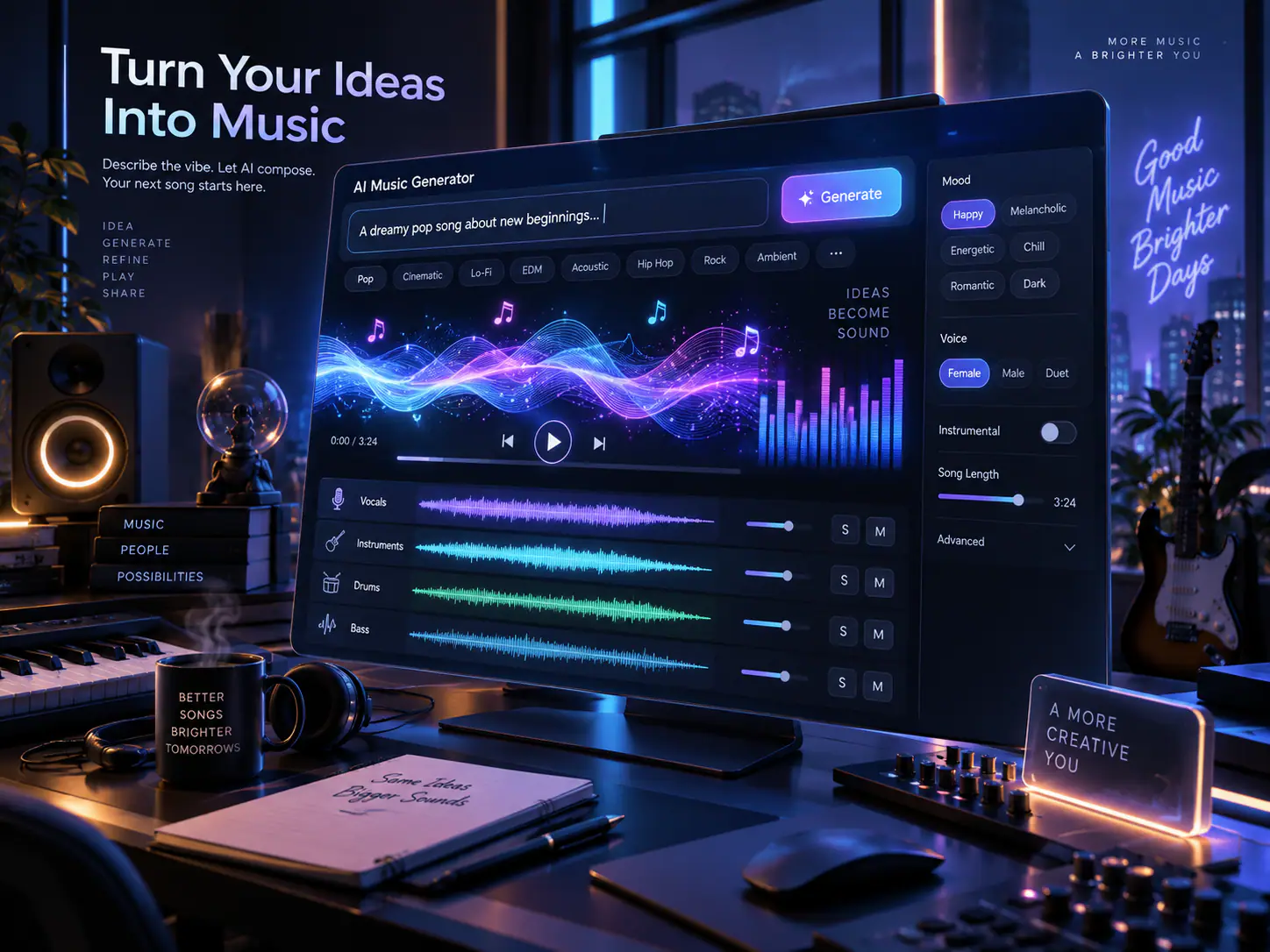
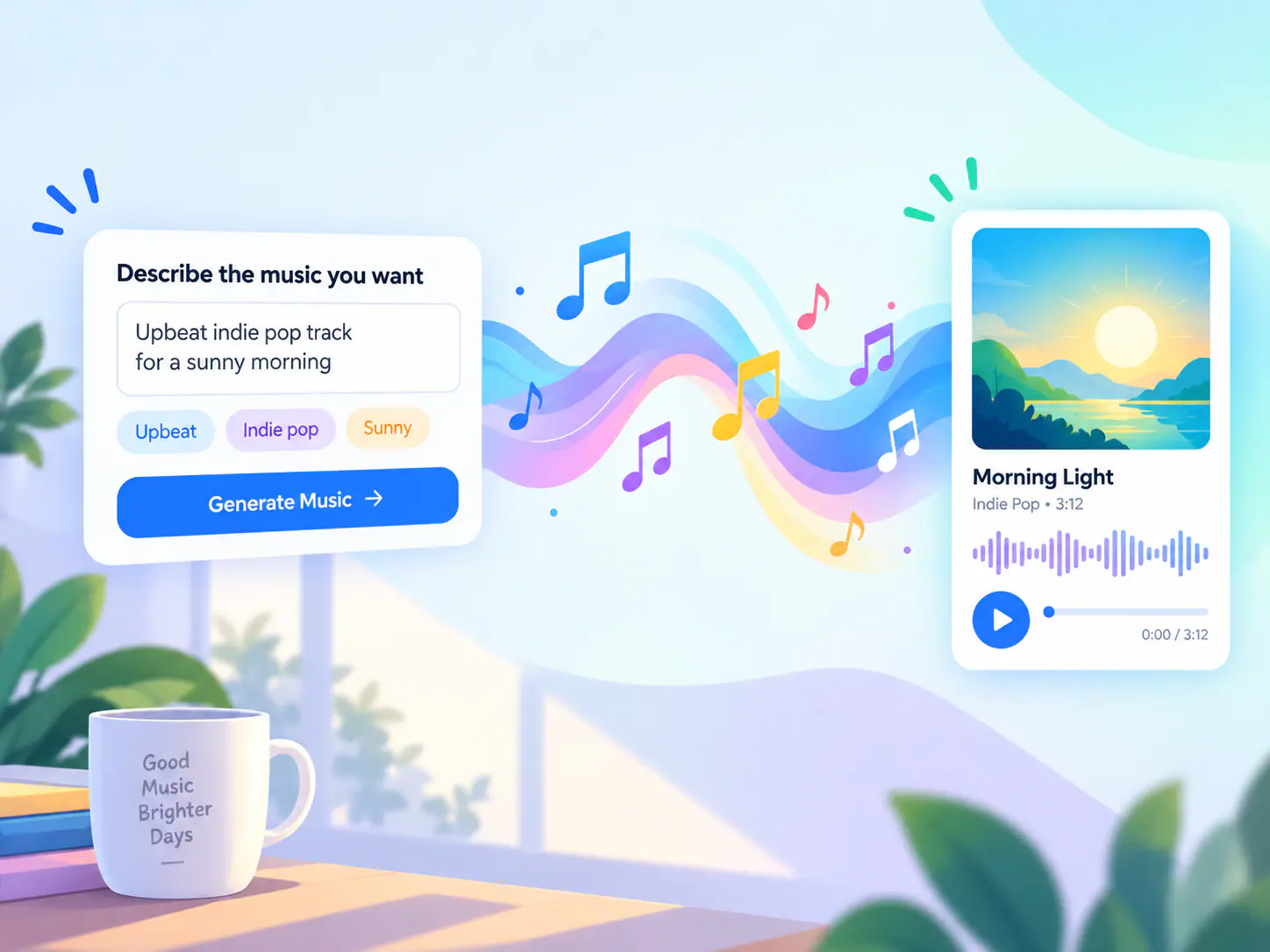
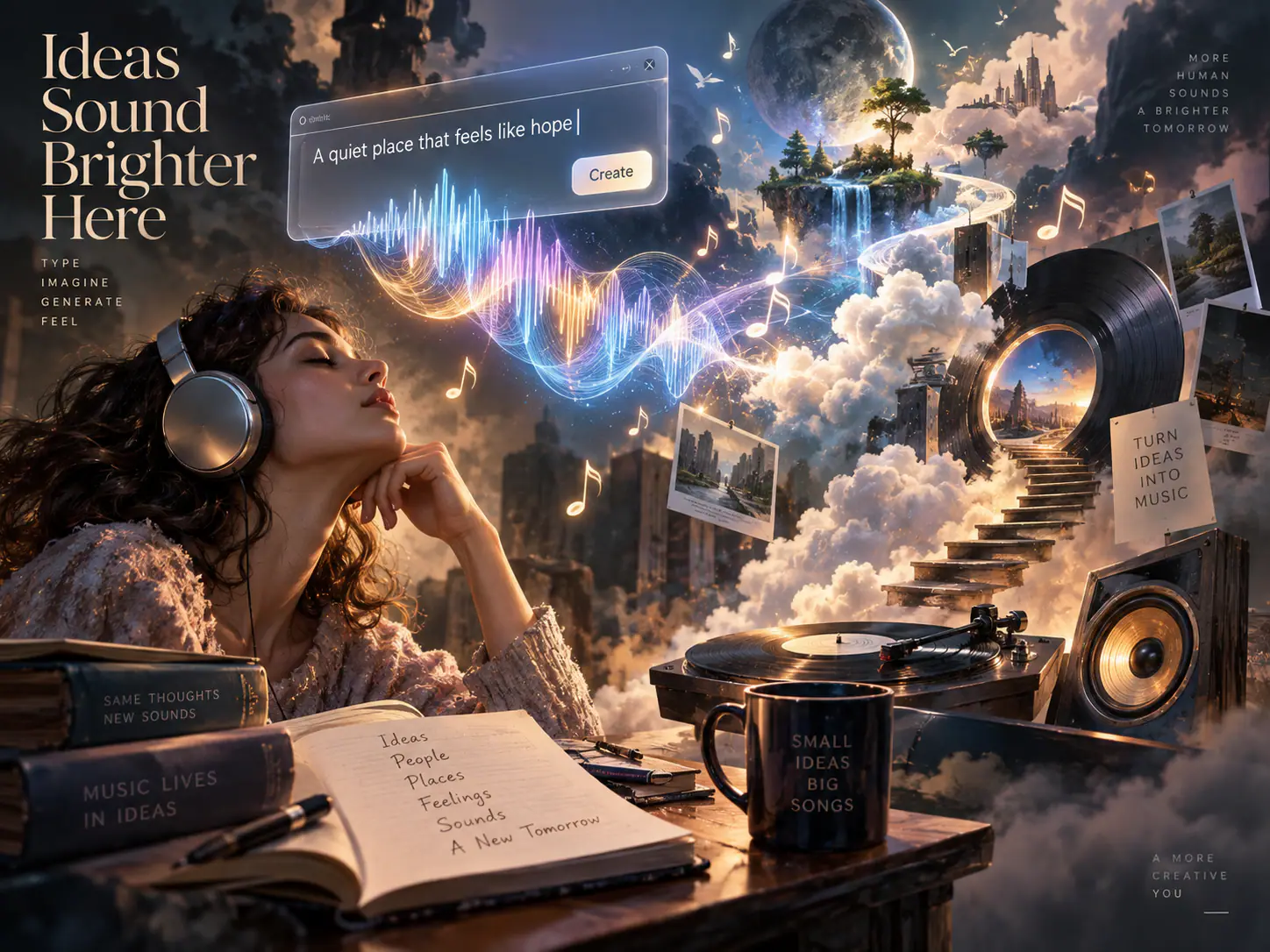
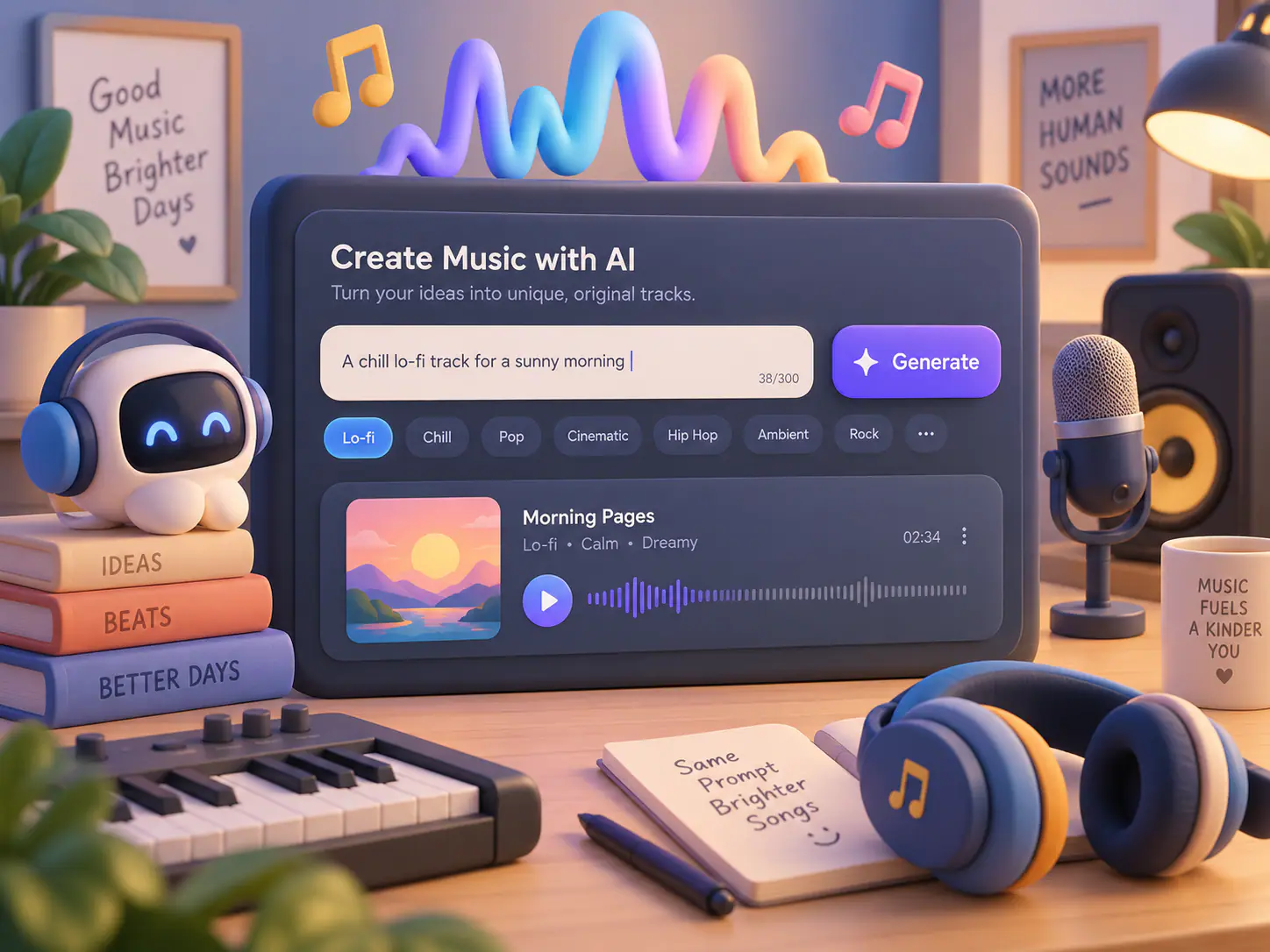
This page is a prompt-first music studio. You can switch to image to music here; lyrics to song stays on its own page.
Describe genre, instruments, and pacing. Text to music currently uses Music 3.0 from this prompt box; without pasted lyrics the model writes a vocal song.
The same studio can switch to image to music when a photo is a better brief than adjectives.
Preview in the page, then download or save to My Music. Credits are shown before you generate.
The credit cost is shown before generate. Preview in the studio, then download MP3 or save to My Music.
Short notes on starting a track, picking a genre, and how the result sounds. These are about prompt to song on this page.
Common questions people ask before using an AI music generator.
Open the studio, write a text prompt, and generate a song with vocals or an instrumental on this page.
Generate a track from a prompt