
Chat to Song: Your Conversations, Sung Out Loud

Turn text messages into a song, from a friend’s sarcastic reply to a group chat joke or a message you still keep. Paste the exchange, choose a musical mood, and hear an everyday moment become a chorus.

Generation mode
0/3000

Songs

Play a sample before you generate. Your own track replaces this list.

Explore different sounds for your conversation

Listen to these shared music examples before choosing a direction. They are examples from across the site, rather than songs made from the chat you paste here. Notice the energy, instruments, and space around the singing; those details can help you describe the sound you want for your own exchange.

How to turn a conversation into a song

A clear exchange and one musical direction make a useful starting point. You can do the following steps in the music workspace above, without connecting a messaging account or uploading a screenshot. The Description tab is the starting place for a song inspired by messages.

  1. Paste a short exchange

    Choose the messages that explain what happened and why it matters. Put each reply on a separate line, remove timestamps and contact details, and add a sentence such as “Make a playful song about this invented conversation.” Keep the setup and the reply together so the song has a story to work with.

  2. Describe the mood and sound

    In the same field, add a genre, an emotional direction, and one or two instruments. For example, ask for cheerful acoustic pop with handclaps, or a quiet piano song with a warm vocal. Keep Instrumental switched off if you want singing. Check the credit amount shown beside Generate before starting.

  3. Generate, listen, and refine

    Sign in when prompted, then select Generate when your text is ready. Listen for the turning point in the conversation, the clarity of the words, and the mood of the performance. If the story needs a different emphasis, edit your description before making another version. Download a completed track from its result card.

Give each chat its own musical story

Messages to song starts with a particular moment: a surprise reply, an everyday ritual, or a line you want to remember. The examples below are invented. Use them to explore how different kinds of conversation call for different writing choices, rather than copying the same mood into every song.

Find the moment worth singing

An entire chat history can bury the best line. Begin with the point where the conversation changes direction, then keep just enough earlier context to make that turn understandable. In an invented exchange, one friend says, “I saved you a seat,” and the other replies, “Then I am coming home.” A song could focus on the welcome rather than explain every detail of the journey. Tell the description which feeling should carry the chorus. This gives the music a clear center while leaving room for new verses and melody.

Make a song from messages

Paper conversation bubbles flowing into a guitar and musical staff

Turn a funny exchange into a chorus

Comedy often comes from treating a small problem as a grand event. Try this fictional chat: “The pizza has landed.” “Mission control wants a slice.” “Mission control can bring plates.” Ask for a theatrical pop song that builds toward the final reply. Keep the joke in order, and explain which line is the punchline. A shorter setup leaves more room for repetition and rhythm. You can describe an exaggerated performance without asking the tool to imitate a real person or reproduce a particular recording.

Make a song from messages
Toy astronaut and pizza box beside a theatrical microphone

Make a small kindness into a keepsake

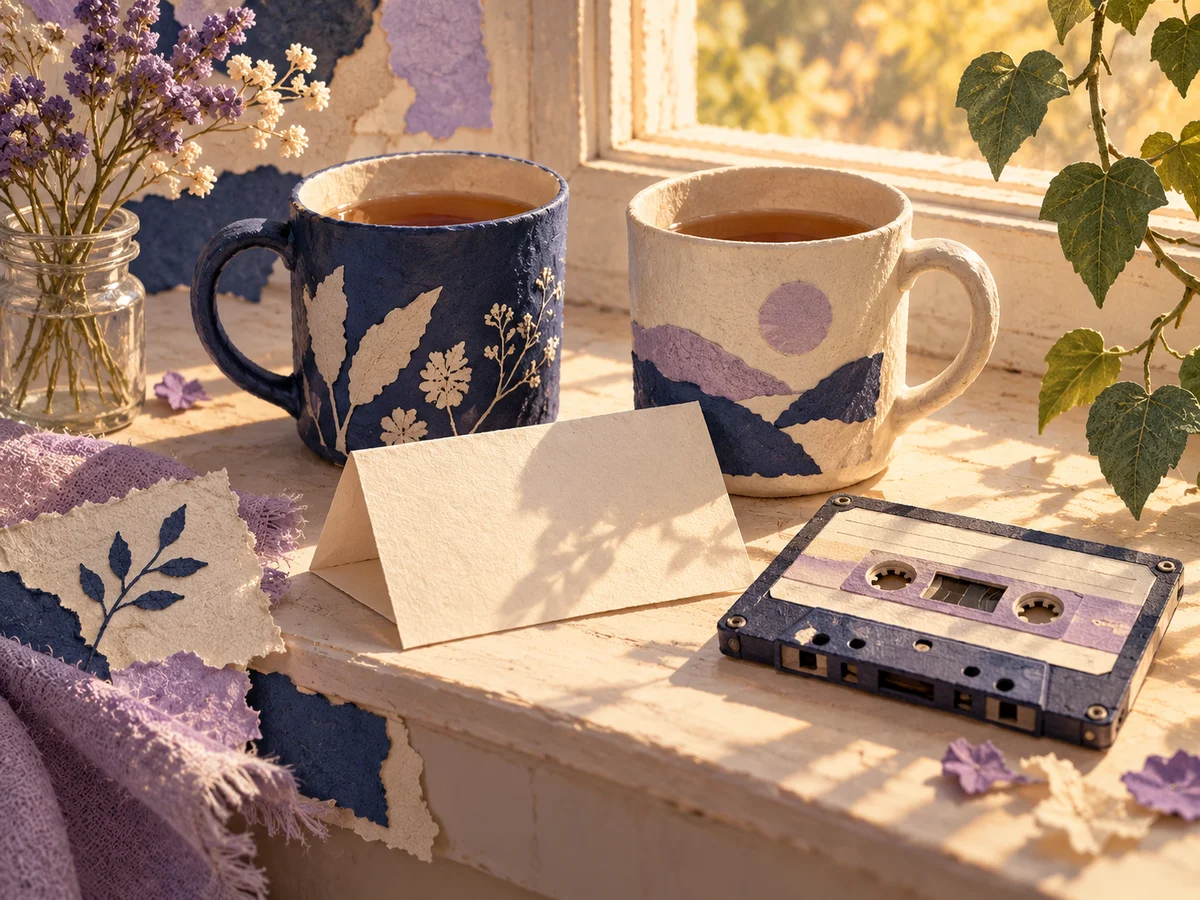
A message song can also hold a quiet moment. Imagine an invented exchange: “Your tea is on the windowsill.” “Still warm?” “I made a second cup.” The detail of two cups gives the song something concrete to return to. Ask for gentle pacing and a simple arrangement if the words should stay in focus. Explain who the song is for and what the gesture means, using fictional names or roles. A specific object can carry more feeling than a long list of broad words such as love, friendship, and happiness.

Make a song from messages
Two mugs and a cassette on a warmly lit windowsill

Choose between a retelling and your own lines

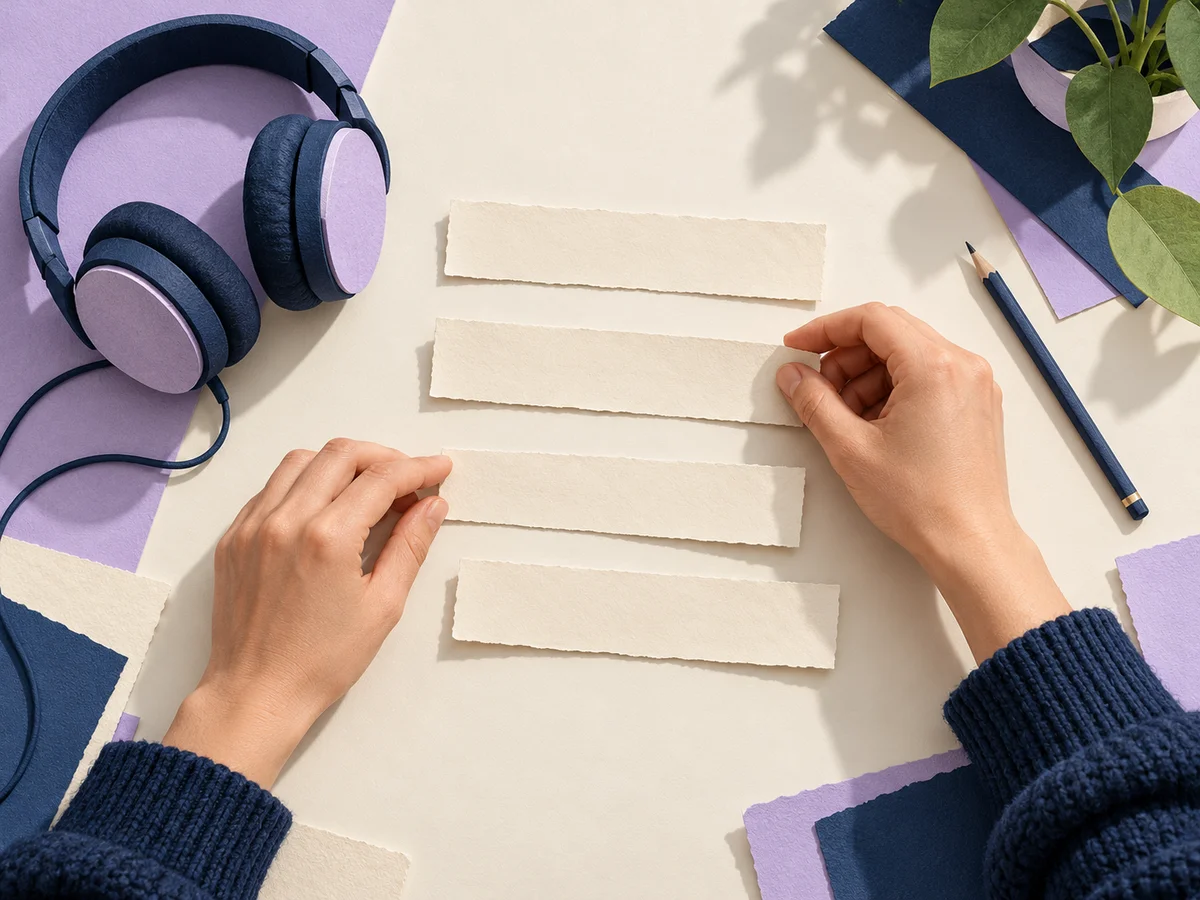
The Description tab uses your conversation as material for a new song. It may reshape the wording as it builds lyrics. When particular lines matter, arrange the words you want sung yourself and switch to Lyrics in this same workspace. Separate the lines into readable phrases, put the musical direction in Style, and keep speaker names out unless you want them sung. This is a useful editing choice for a repeated hook or a carefully written message; it does not require a separate conversation with a chatbot.

Make a song from messages
Hands arranging blank lyric strips beside headphones

Prepare messages that give the song direction

Before you press Generate, make these four decisions. They help you focus the story and check the result without needing music production experience.

Keep one point of view

Decide whether the song follows one speaker or tells the whole exchange from outside. Say “sing from the friend’s perspective” when that matters. Speaker labels can explain context in Description, but they do not assign different singers to each message.

Spell out the meaning

Replace an ambiguous abbreviation with the words you mean. If an emoji is the punchline, describe the reaction in a short phrase. This makes the emotional turn readable and avoids relying on a symbol to communicate the entire joke or feeling.

Choose material you can use

Invent a conversation for your first try. For anything based on another person’s messages, get permission and remove identifying or sensitive details before submitting. Keep the words that carry the story, without including account names, addresses, or an entire private thread.

Listen for the important line

On playback, check whether the hook arrives at the right moment and whether the story still makes sense. Note one change for the next version, such as a shorter opening or a calmer delivery. Changing one direction at a time makes comparison easier.

Chat to Song questions

Practical answers about text input, singing, and using the finished music.

No. Paste the message text into Description and add your song direction. If you only have a screenshot, copy out the words first. This page does not extract chat text from images or connect to your messaging account.

Description creates a song inspired by the conversation, so wording can change. Use Lyrics for lines you have already arranged for singing, then listen to the finished result to check phrasing and pronunciation. Keep essential names or phrases easy to read.

Turn your next invented chat into a song

Start with a setup, a reply, and one musical mood. Paste the exchange above, tell the song what to focus on, and listen for the moment where the conversation becomes a chorus.