01
Upload a reference photo
Use one JPG, PNG, or WebP up to 10MB. A clear photo with readable light, color, and composition is a stronger brief than a tiny crop or a heavy filter.


Upload a photo to Image to Music AI. Color, light, and mood steer one original track. A short prompt is optional. Each run costs 8 credits.
Sample tracks
Play a sample before you generate. Your own track replaces this list.
Tap a cover to hear a sample mood next to that visual, from cinematic and nostalgic to chaotic and playful. These hub examples are for listening, not a promise that the current model will return the same track.
This homepage is photo-first. The image is the brief. A short prompt is optional, then you generate one track.
01
Use one JPG, PNG, or WebP up to 10MB. A clear photo with readable light, color, and composition is a stronger brief than a tiny crop or a heavy filter.
02
The image leads. A short prompt can name genre, tempo, or instruments if you want a nudge. You do not need a prompt to generate.
03
Sign in to submit. Each image to music run costs 8 credits and returns one track you can preview, download, or save to My Music.
Most AI music tools ask you to name genre, tempo, instruments, and mood before you hear a note. A photo already carries those cues in color, light, and composition: a rain-soaked street is slower than a noon market, even if you never write "downtempo." Image to Music AI uses your photo as the brief so the first preview has visual direction a genre label cannot give. A short prompt is optional. Each run costs 8 credits and returns one original track.
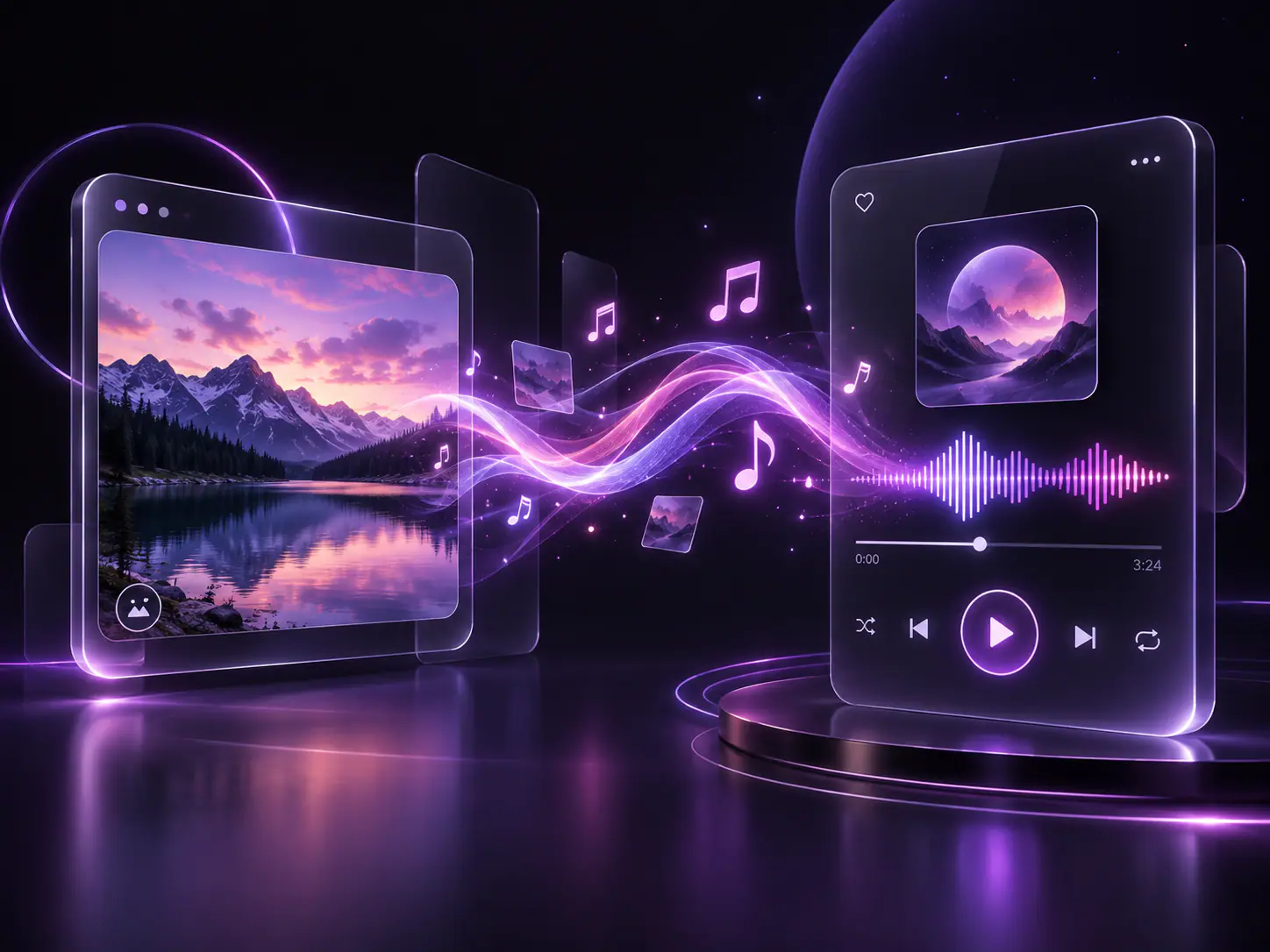
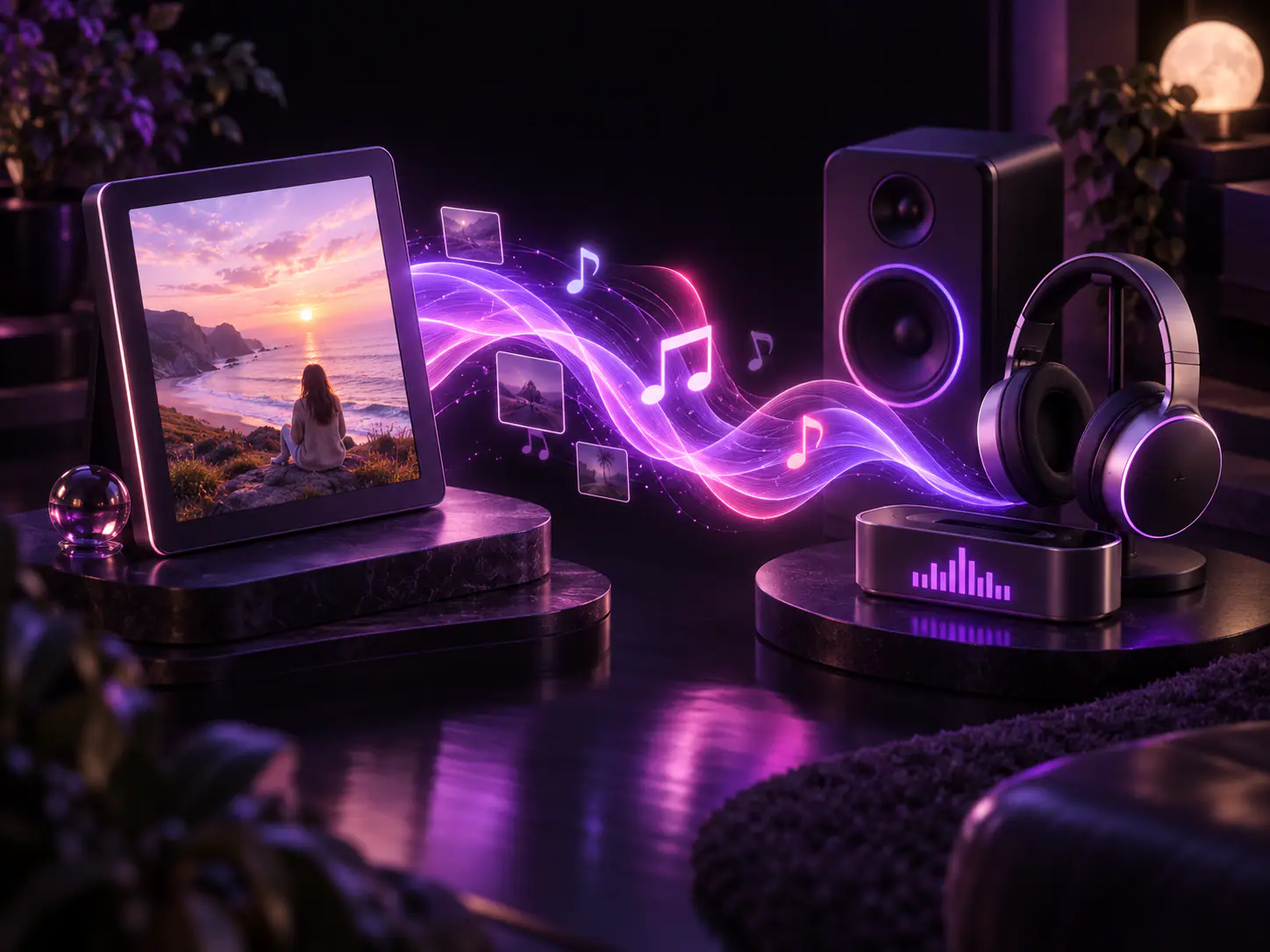
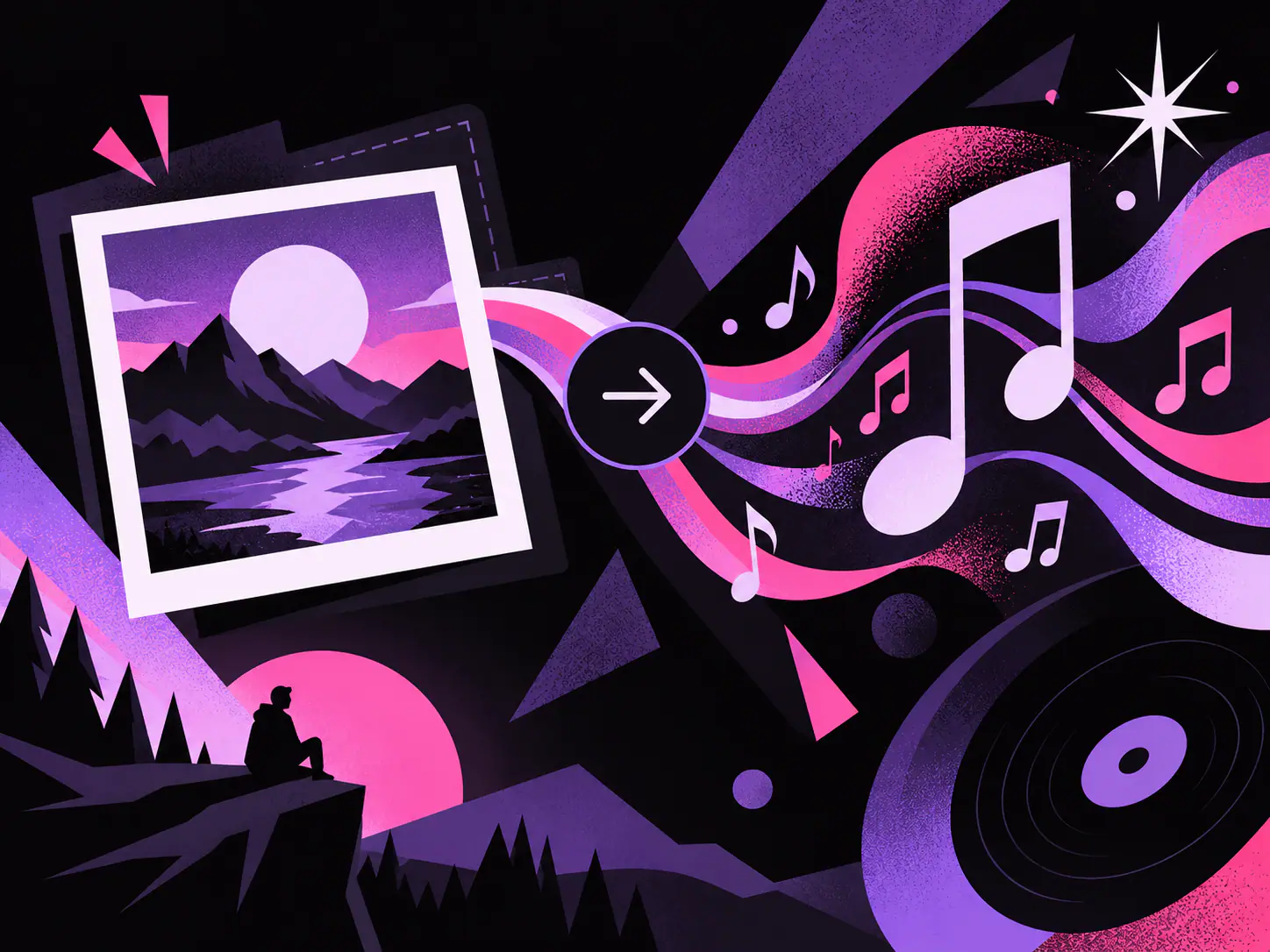
Formats, how the photo and prompt work together, what you get back, and how credits are charged.
The studio accepts one JPG, PNG, or WebP up to 10MB. Clear light, color, and composition give a stronger first preview than a vague mood word.
A reference image is required. Add a short prompt only if you want to name genre, tempo, or instruments without replacing the visual mood.
Each image to music run returns one track. Preview it in the studio, download it, or save it to My Music after you sign in.
Image to music costs 8 credits per generation. New accounts may receive starter credits when that grant is enabled. Most previews finish in tens of seconds under normal load.
Short notes from people who started with an image, not a prompt.
Can't find your answer? Reach out at support@imagetomusicai.com
Upload a picture, add an optional short steer, and create original music from the image on this page.
Turn a photo into music