
GPT Image 2 AI image generator
GPT Image 2 AI Image Generator
Image prompt
Describe style, subject, lighting, mood, and composition.
Aspect ratio
Resolution
Auto aspect ratio is limited to 1K. Choose a fixed aspect ratio for 2K or 4K.
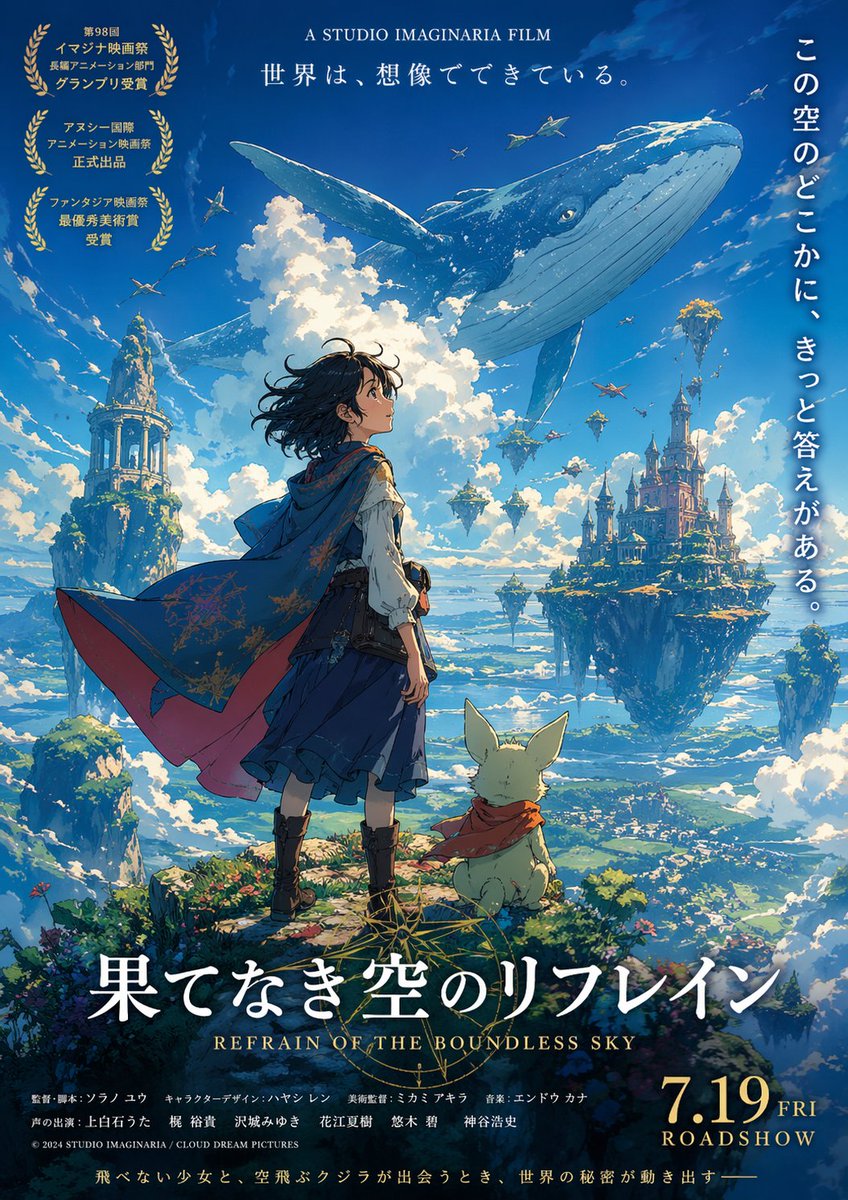
Anime movie poster
Explore GPT Image 2 outputs
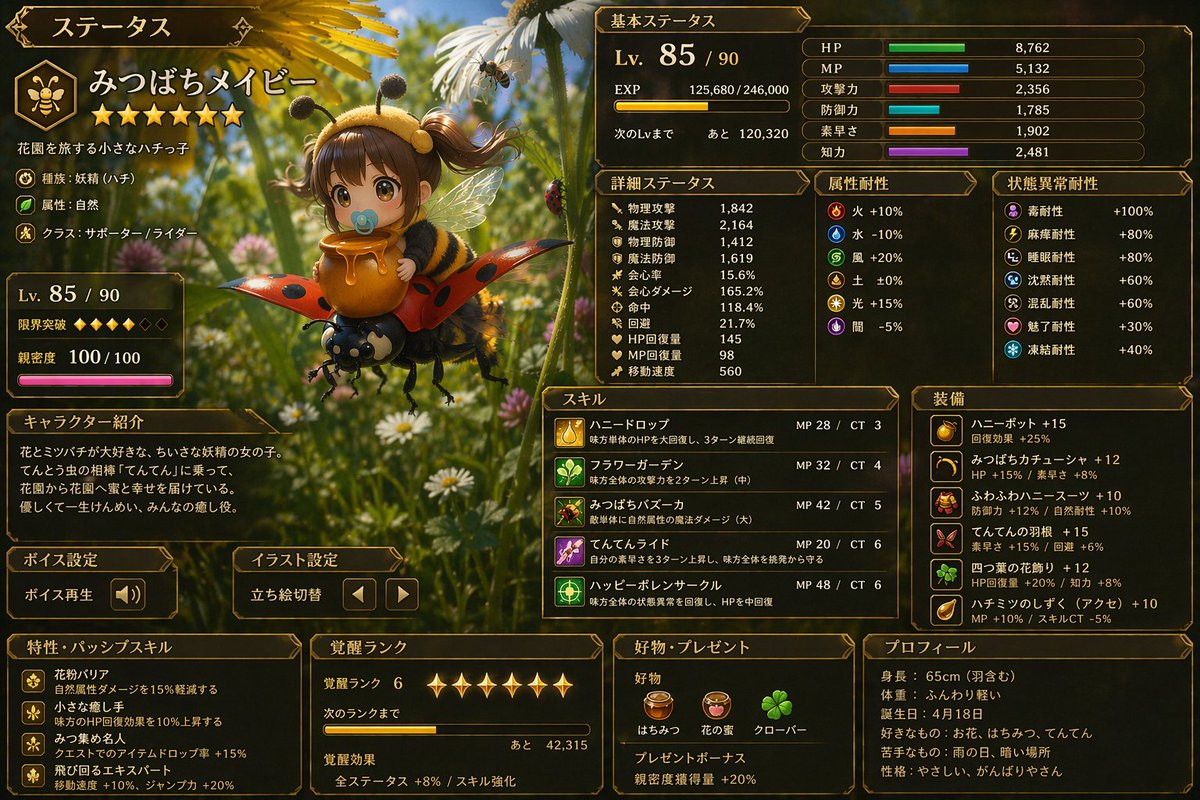
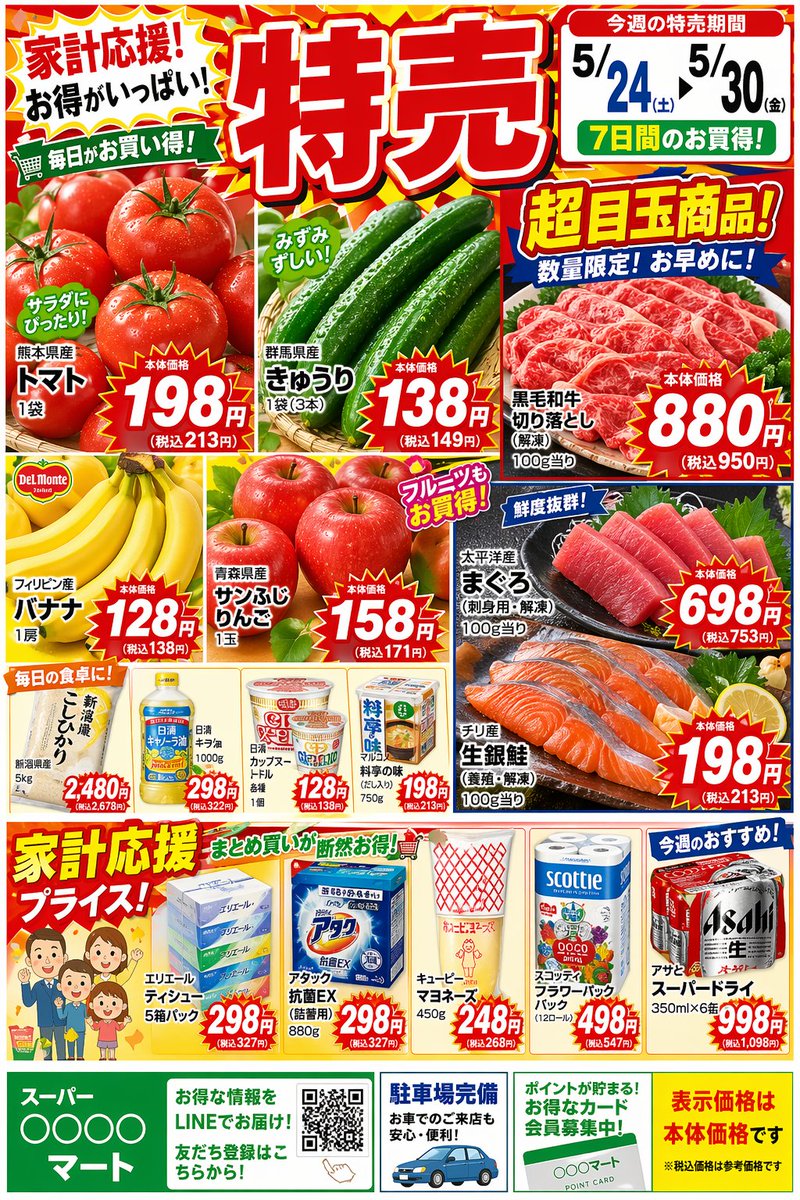
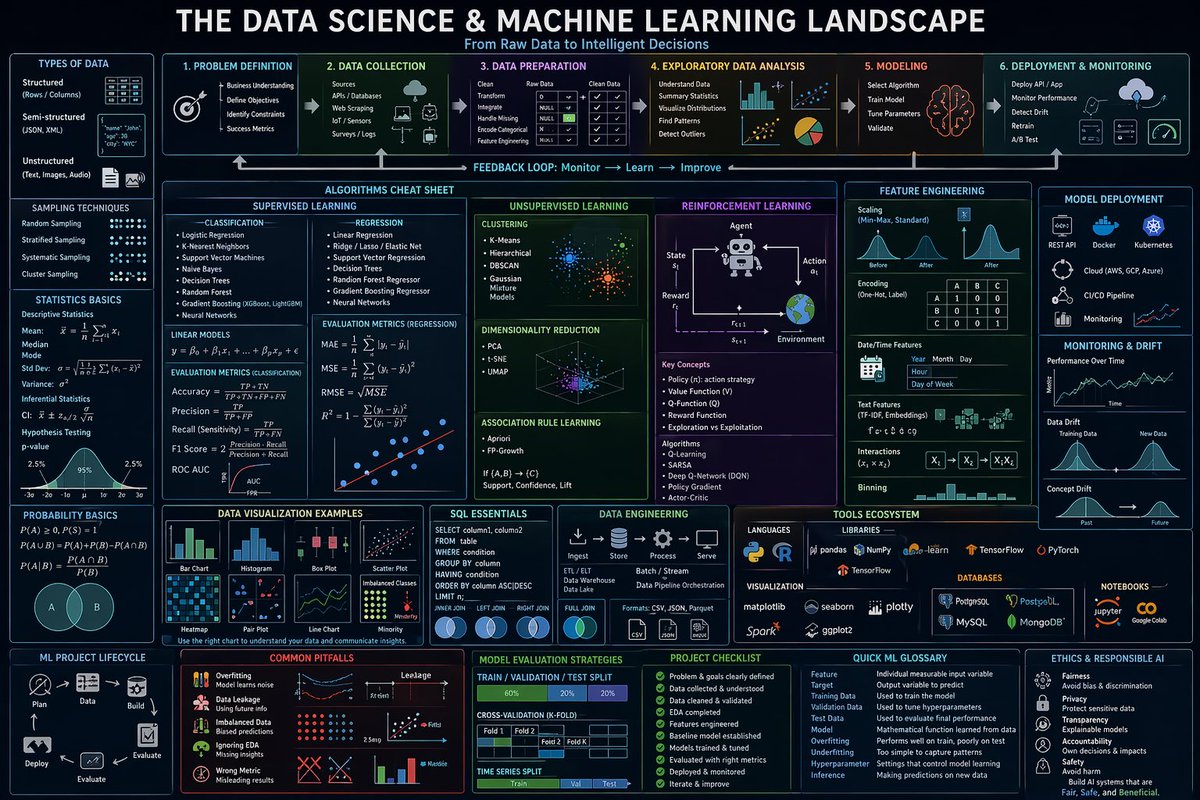
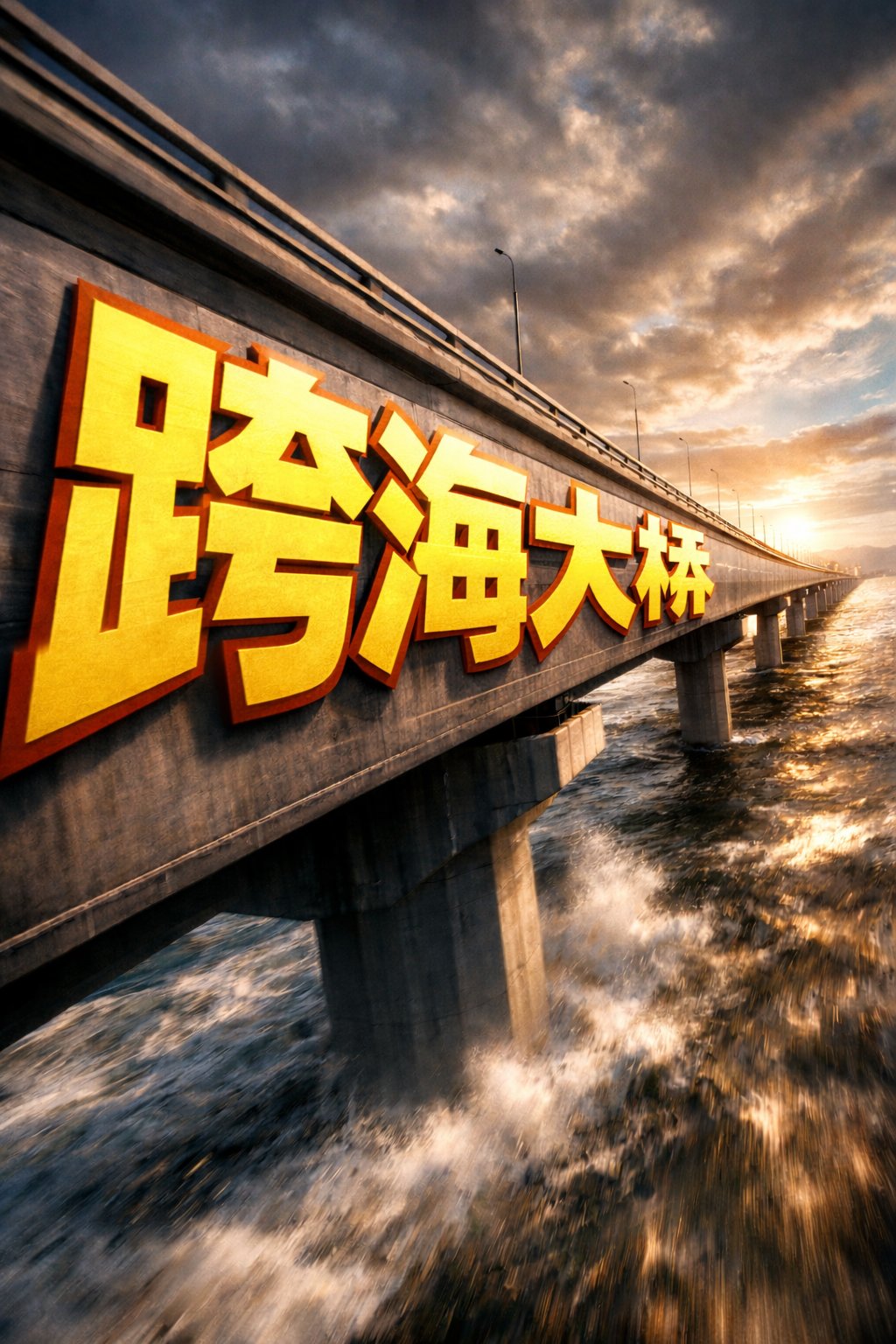
A gallery of GPT Image 2 examples across UI mockups, product shots, posters, and information design.
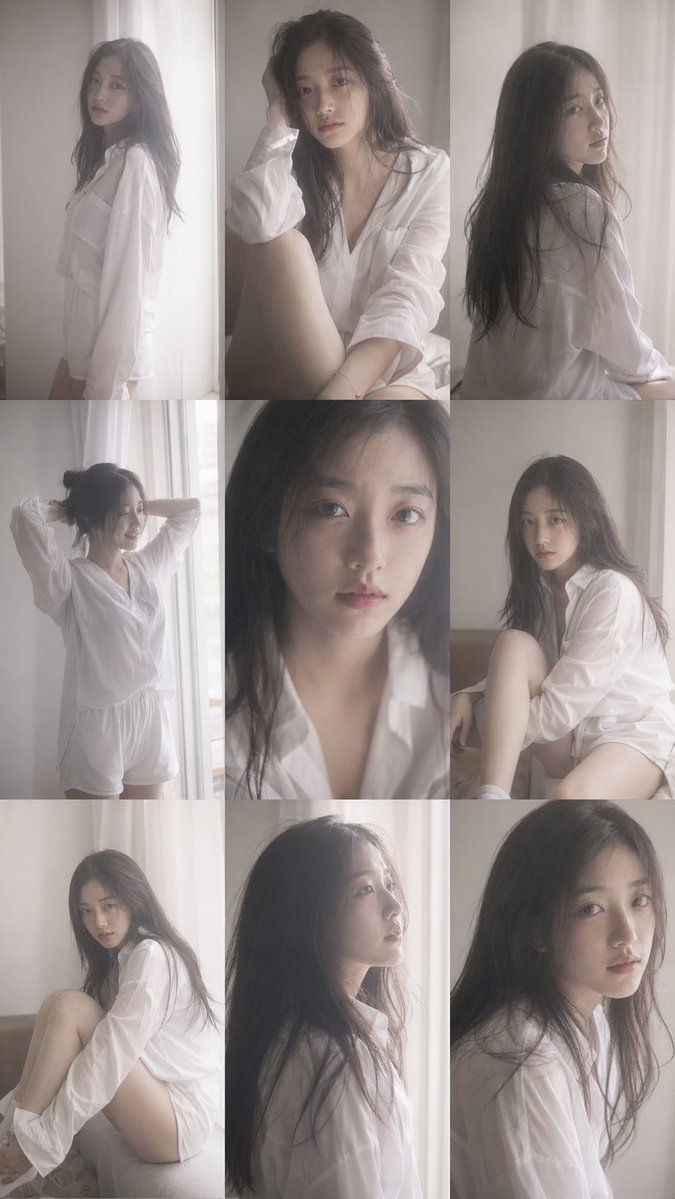
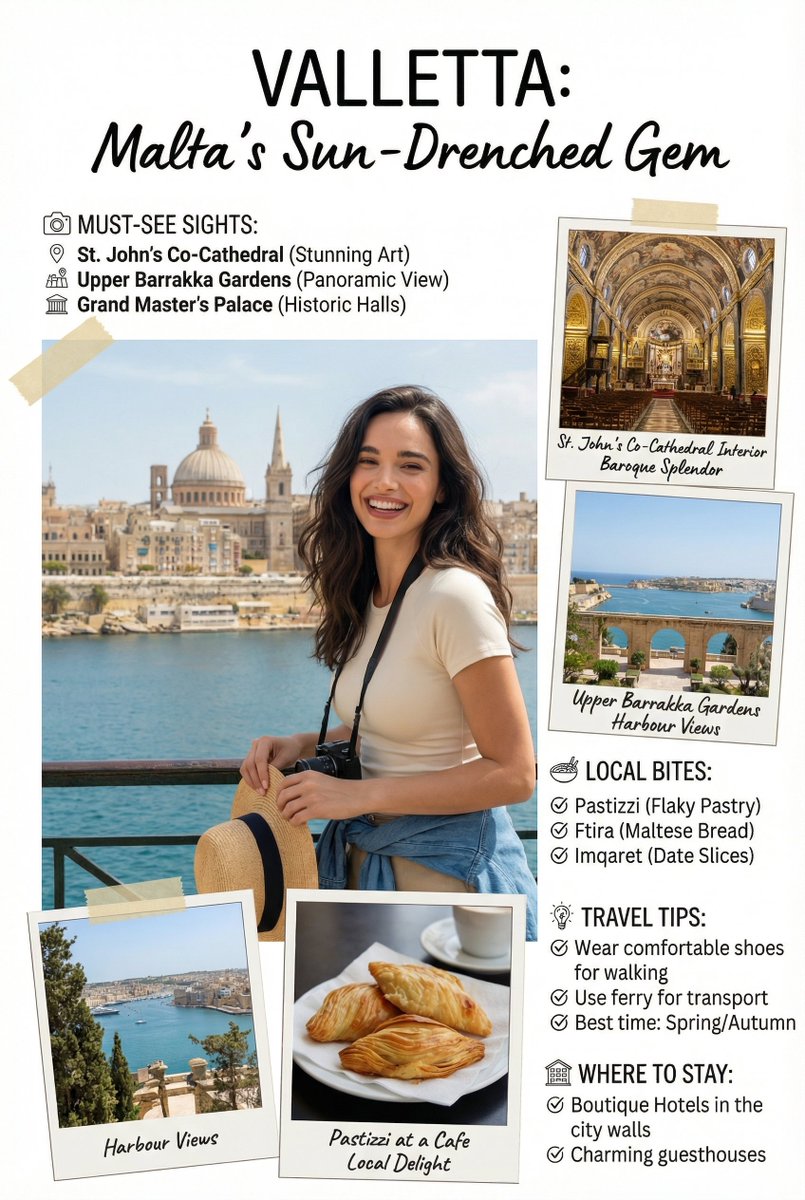
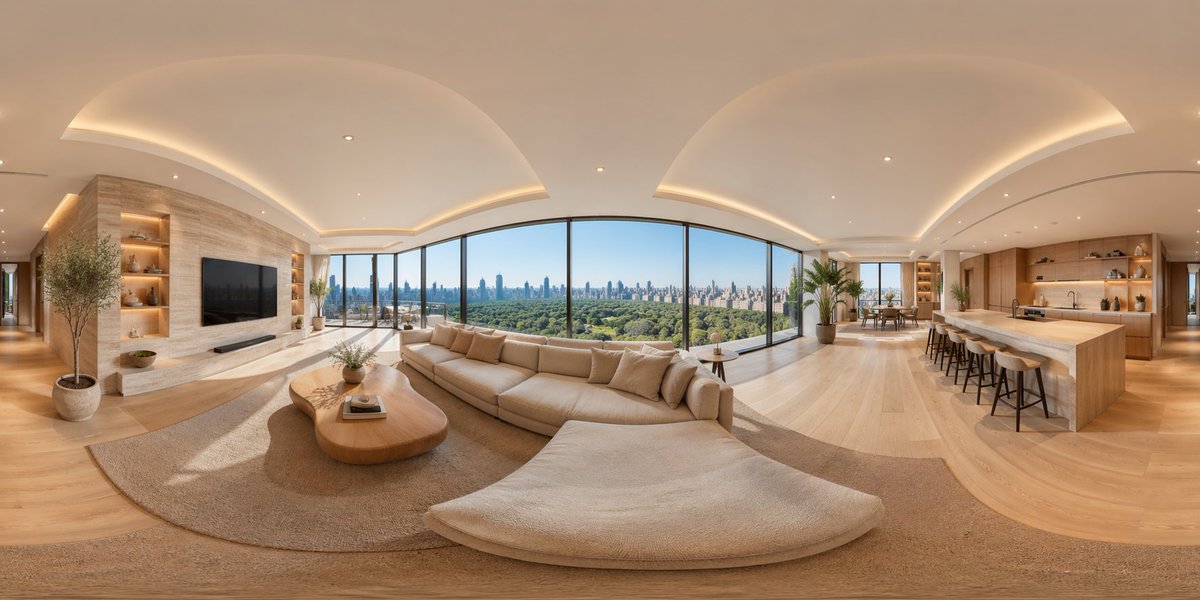
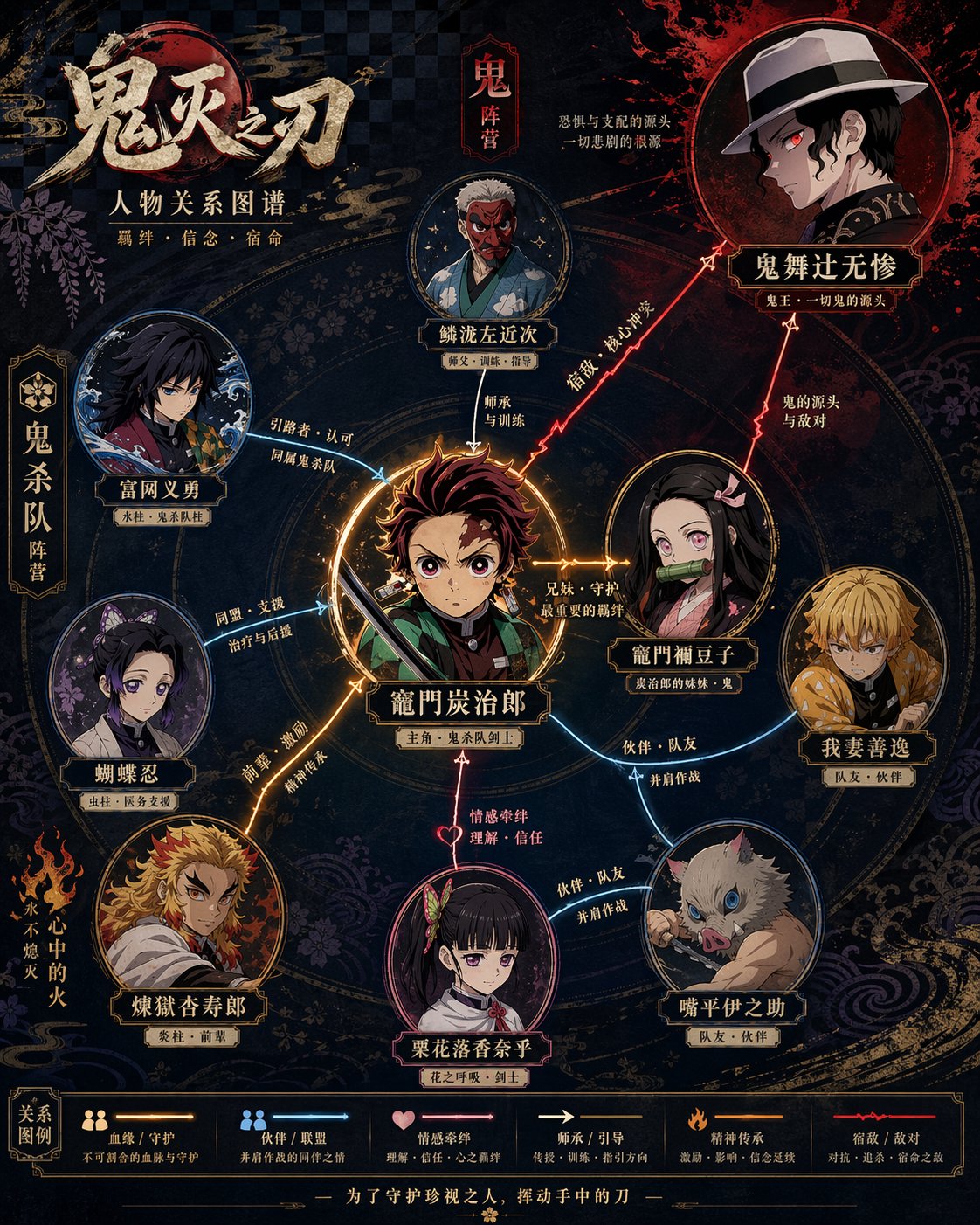
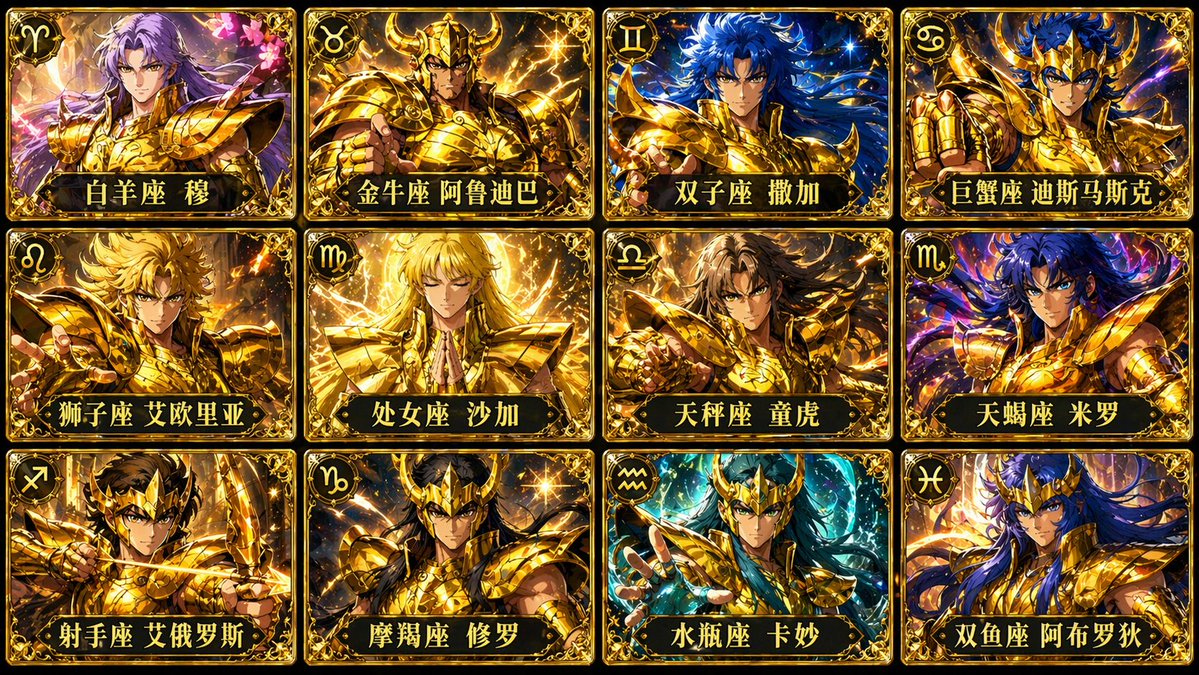
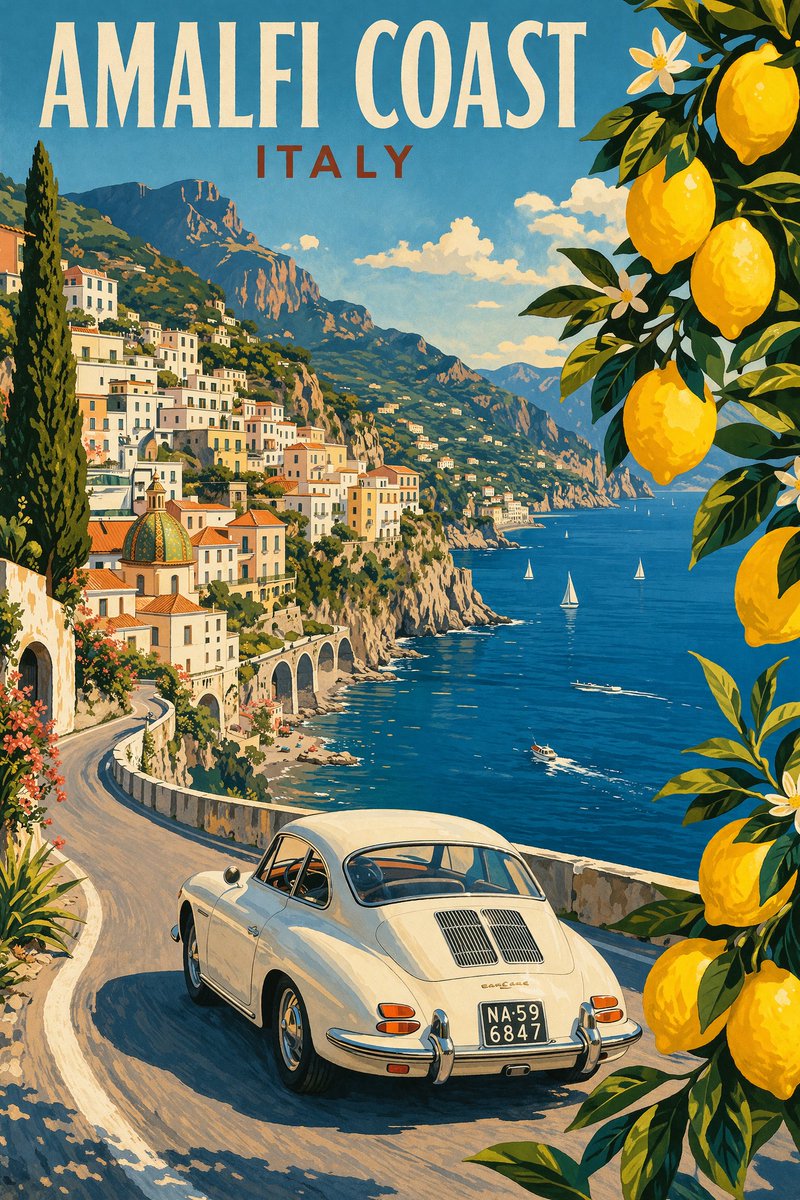
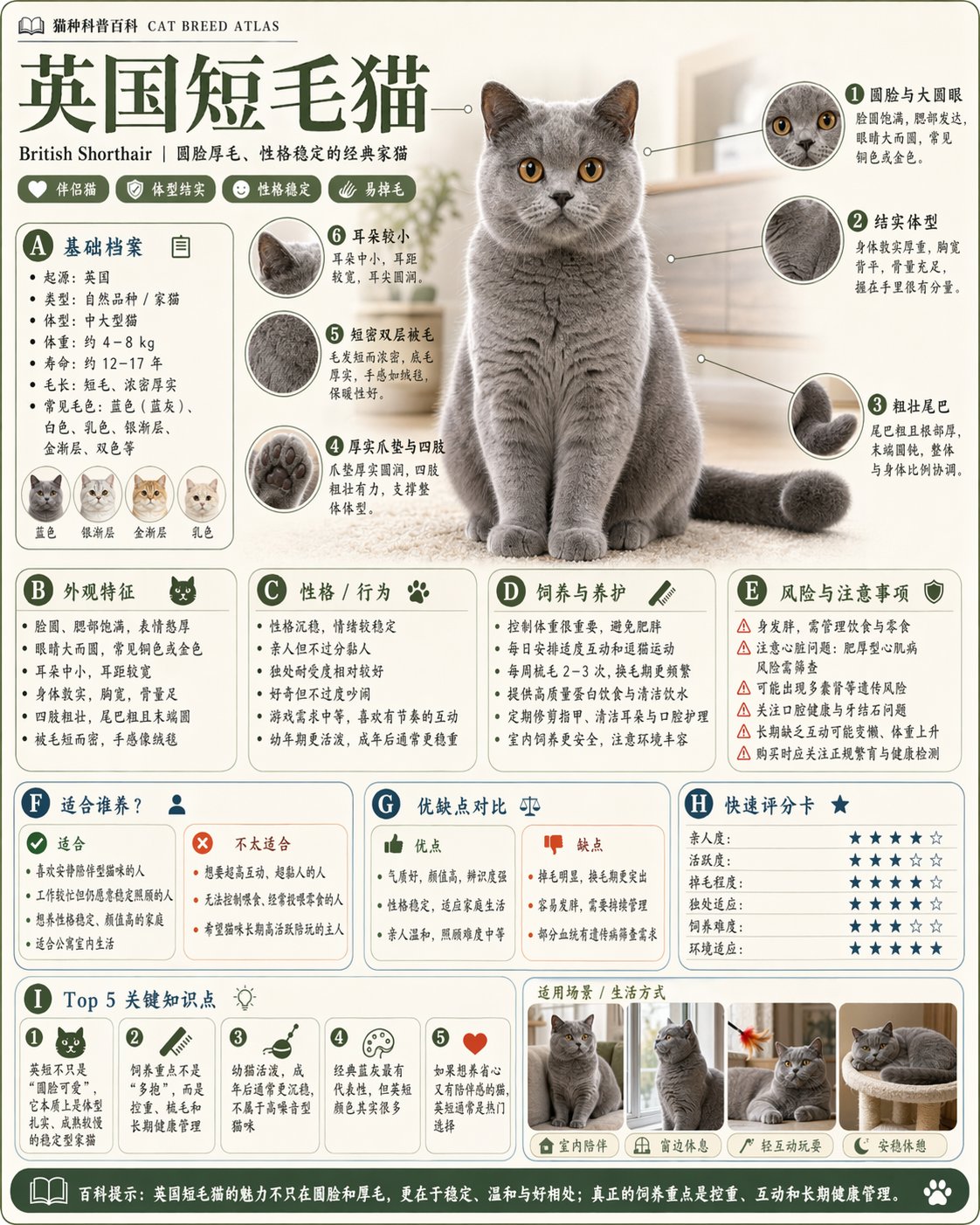
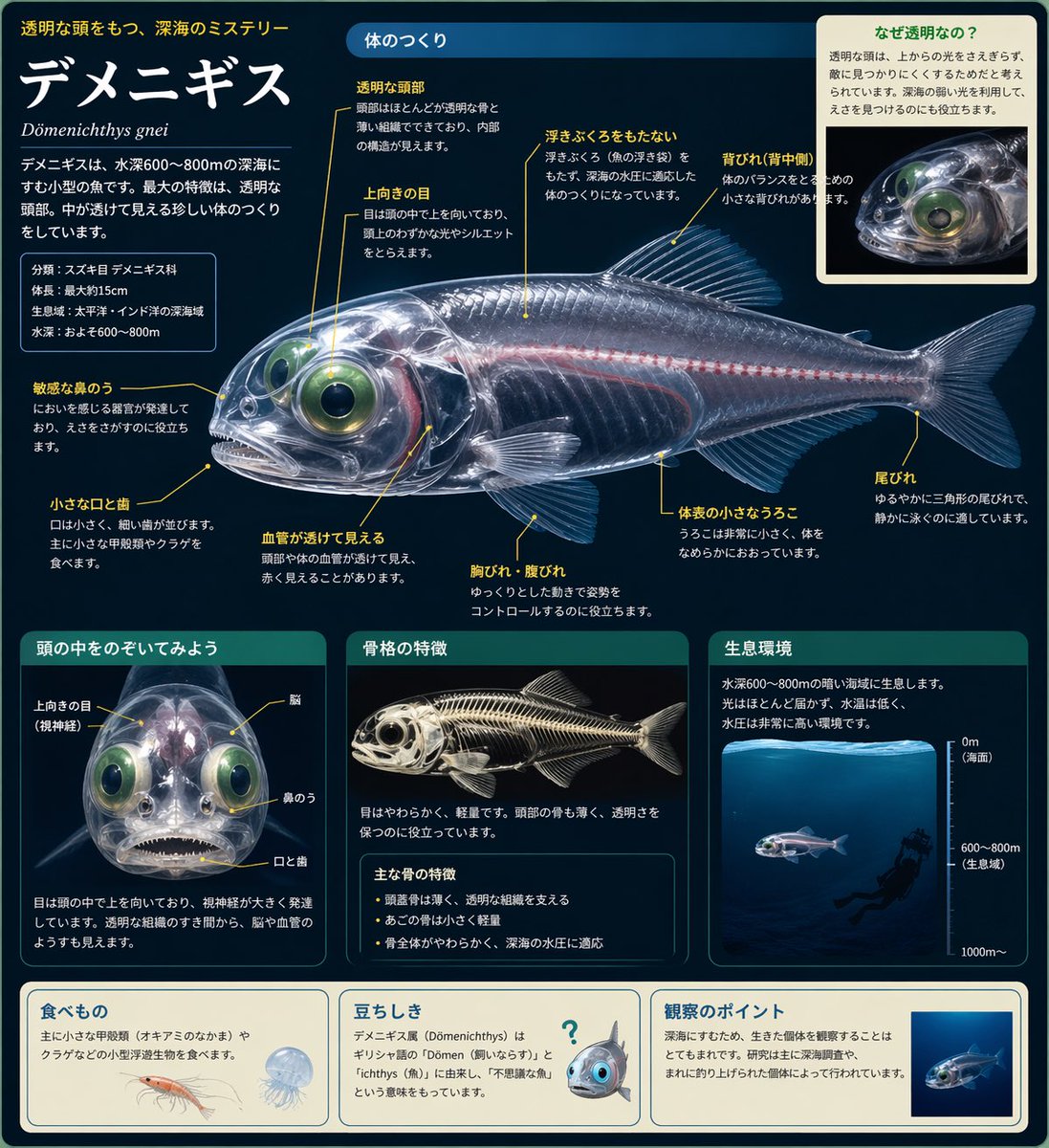
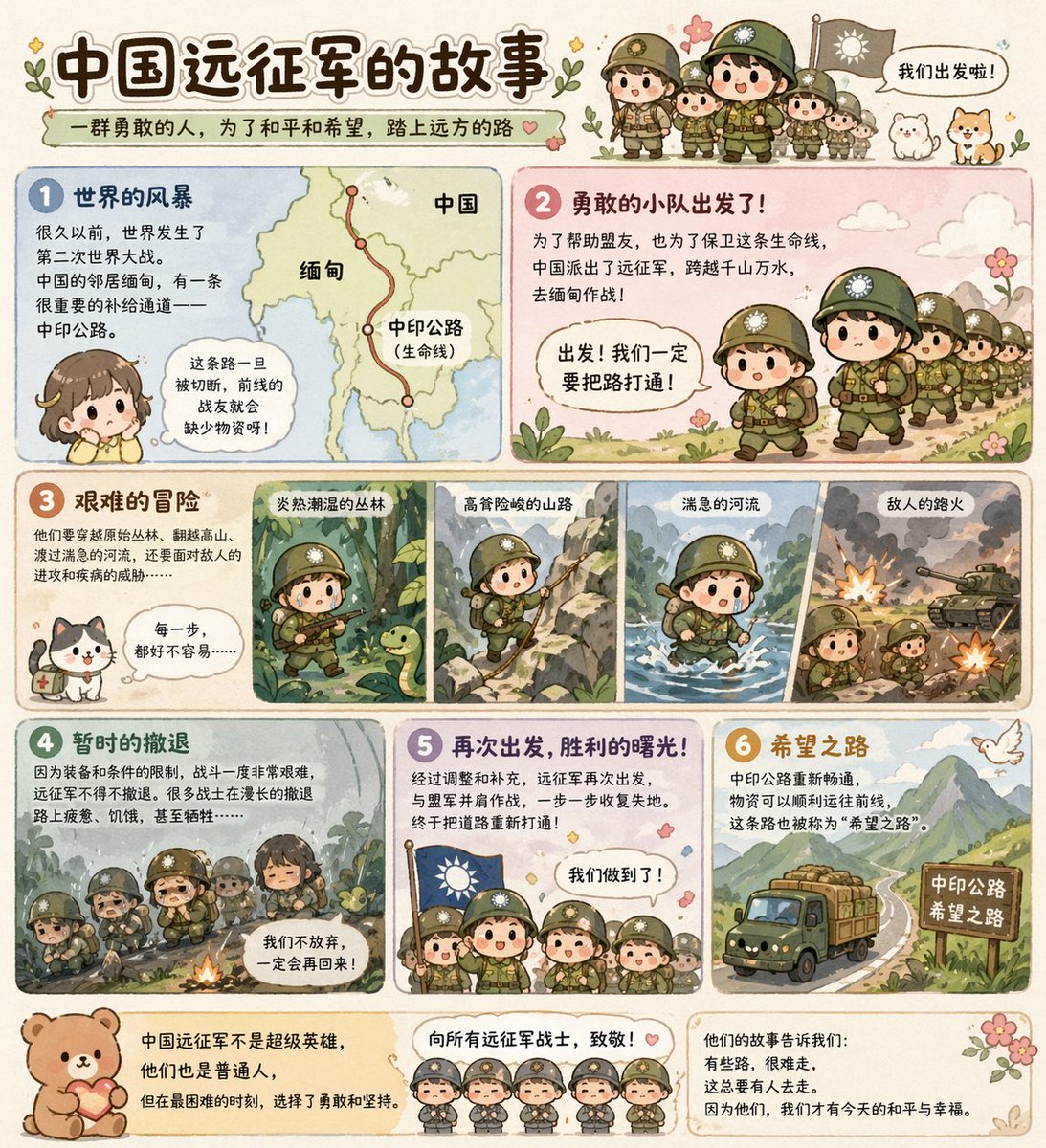
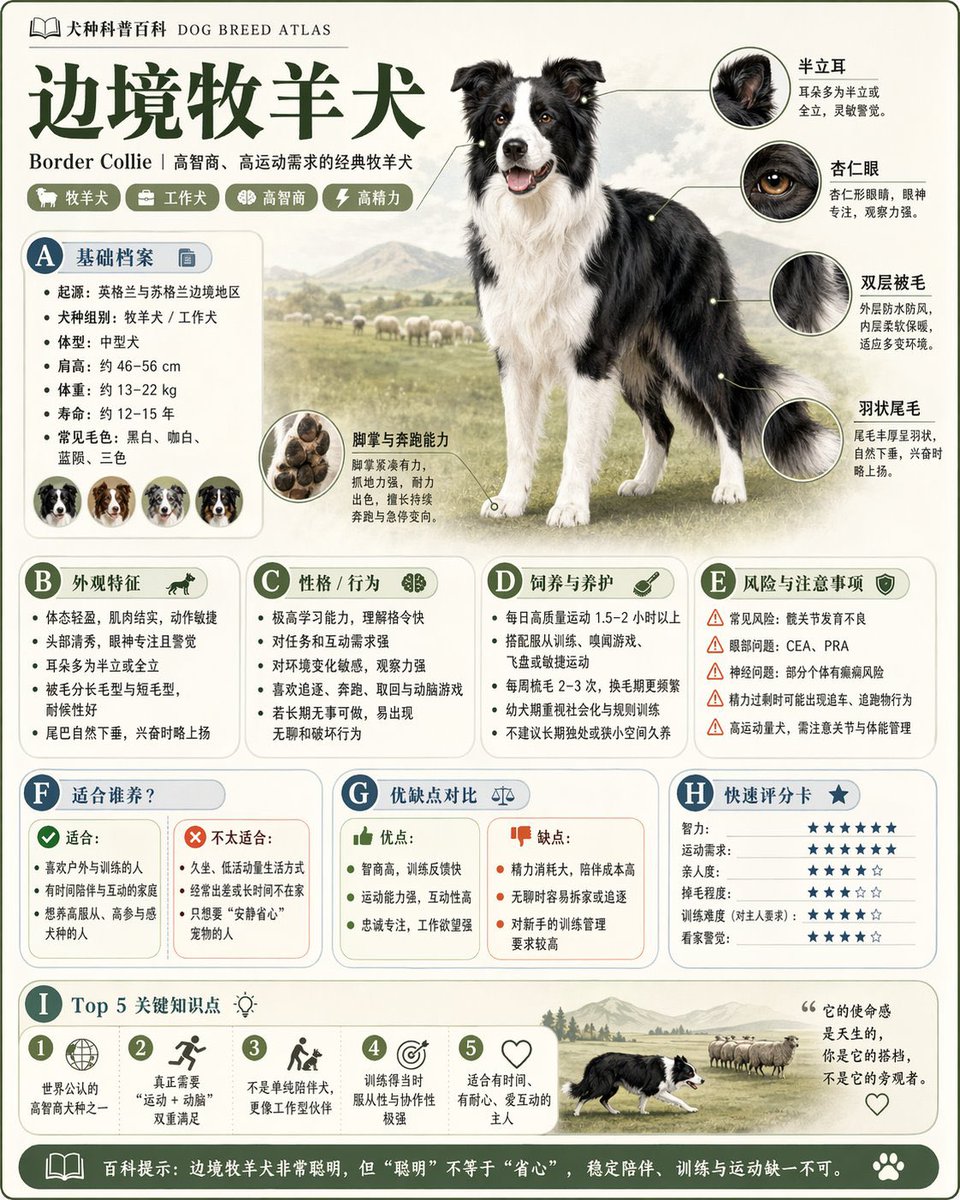
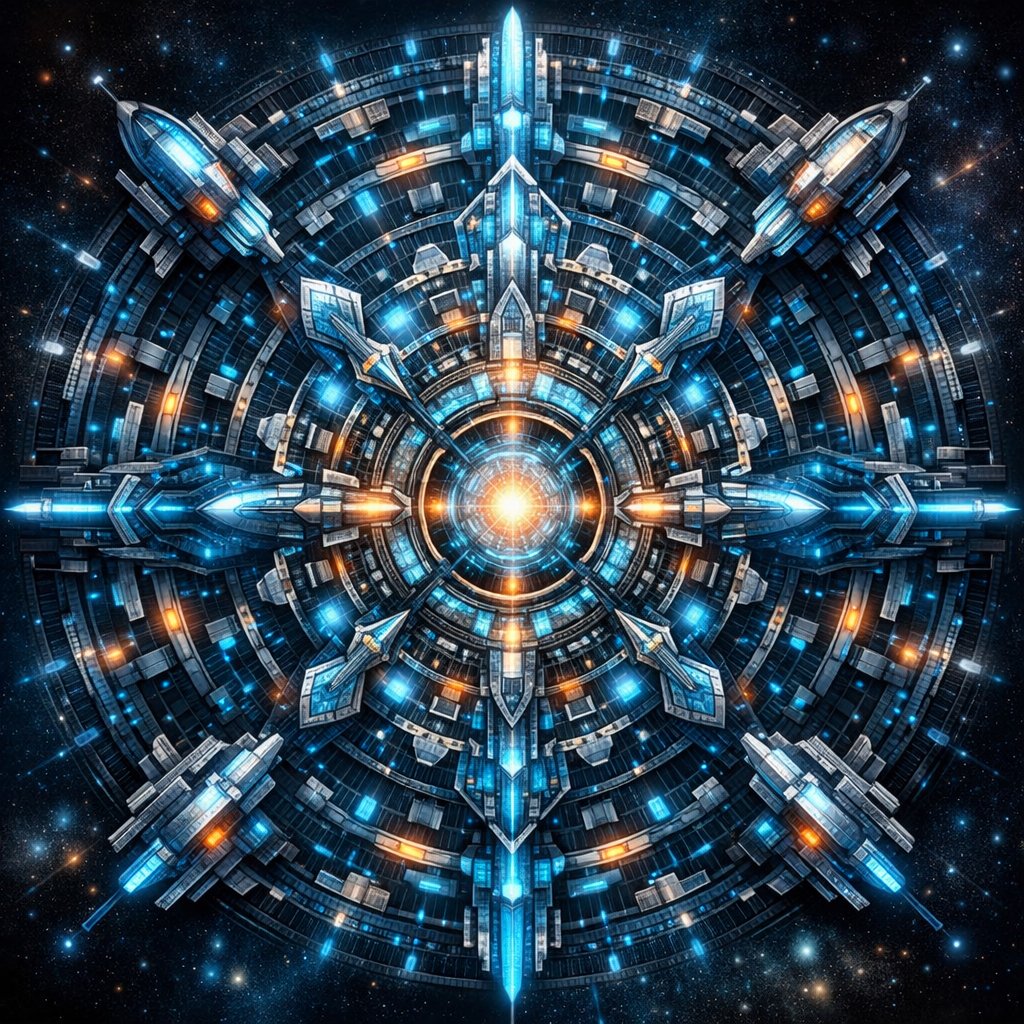
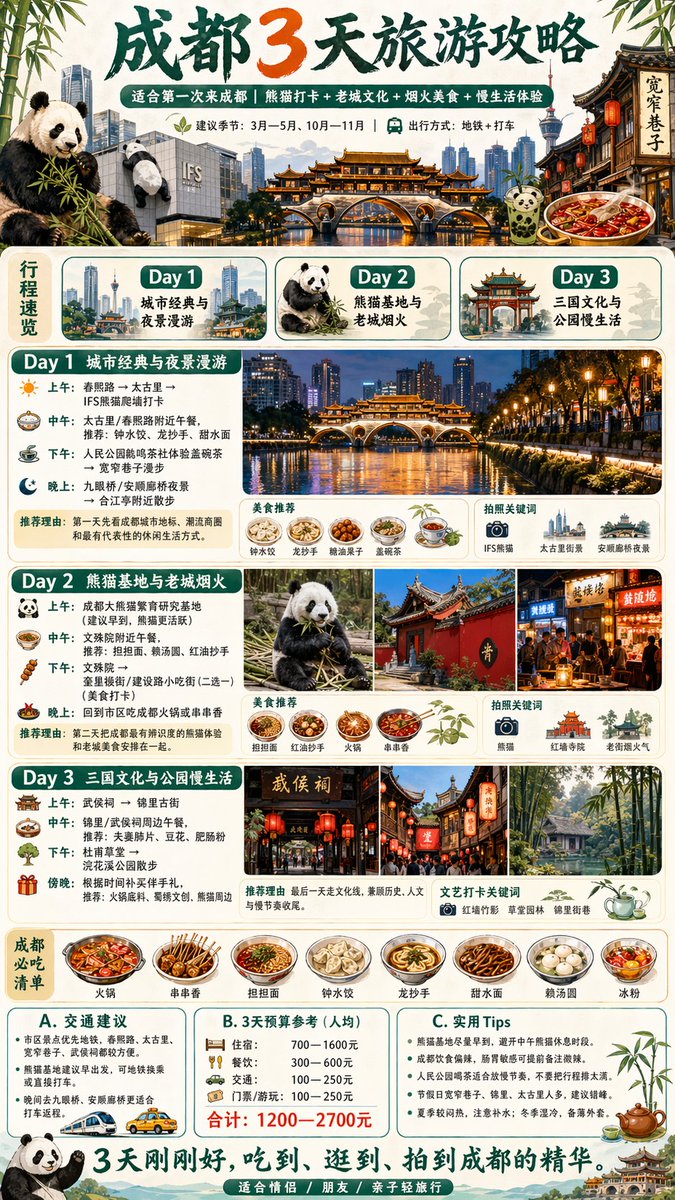
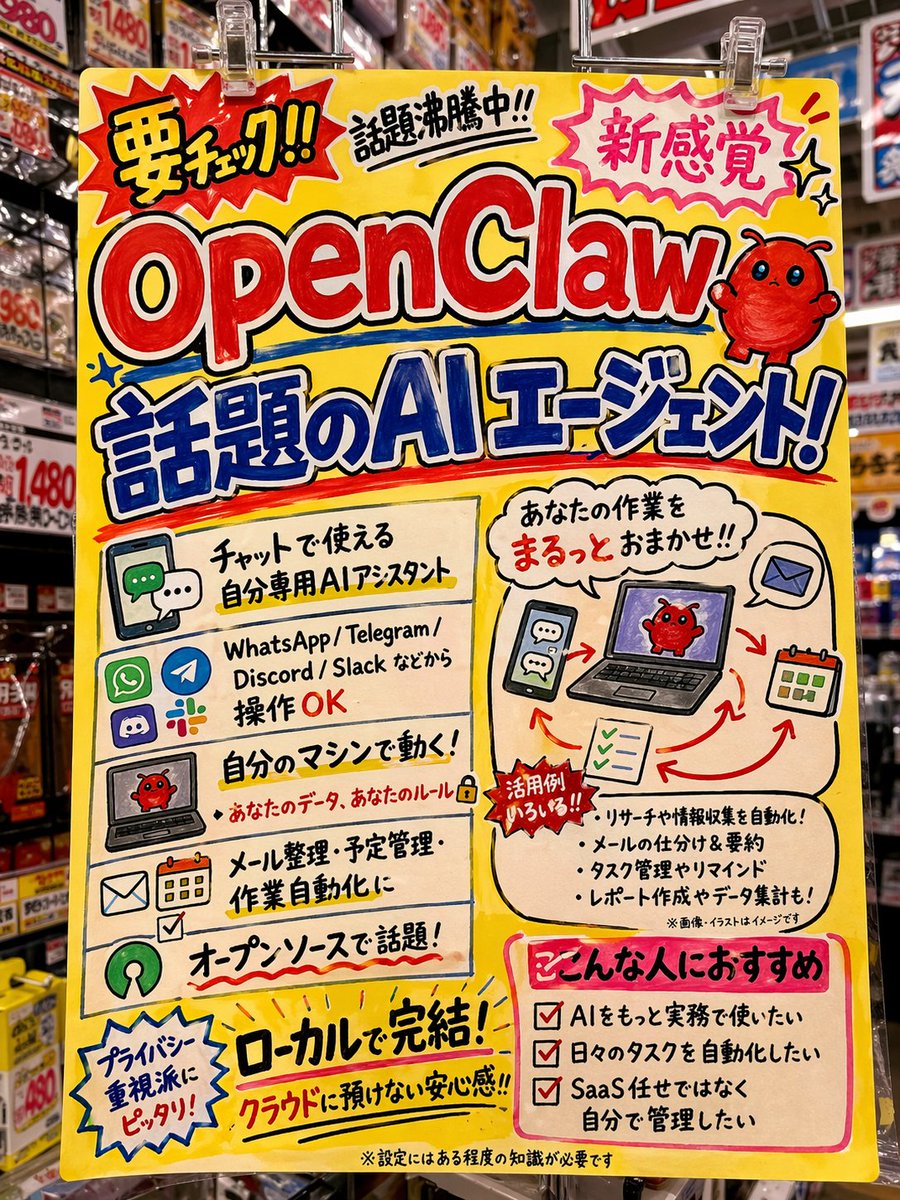
GPT Image 2 model capabilities
GPT Image 2 is built for image generation that needs readable text, structured layouts, and consistent visual style. Use it for posters, product visuals, UI mockups, marketing graphics, and detailed image edits.
Text rendering
Generate images with clear, readable text elements rendered directly in the image.
High resolution
Produce images at 1K, 2K, or 4K resolution for print-quality output.
Style consistency
Maintain visual style across multiple generations for cohesive brand assets.
Complex compositions
Handle detailed scenes with multiple subjects, objects, and environmental elements.

Preview GPT Image 2 image styles
Select a thumbnail to compare large generated images with different prompt styles.
Large-format motion preview for GPT Image 2 style output.
Design-ready visuals in seconds
Describe what you need, upload references, blend styles and layouts, and keep outputs consistent across campaigns, products, and posters.
Create campaign-ready visuals faster
Move from brief to launch assets in one flow. Generate social posts, ad creatives, and landing visuals without juggling multiple tools.
- From brief to assetsTurn one concept into multiple visuals in minutes.
- Multi-format outputReuse the same concept across square, portrait, and wide layouts.
- Faster iterationRegenerate and refine quickly until the campaign looks right.

Build consistent characters and product series
Keep visual identity stable across a series so characters, products, and key motifs remain recognizable from one image to the next.
- Series consistencyMaintain recurring visual traits across multiple generations.
- Brand alignmentPreserve color mood, composition language, and style cues.
- Batch asset creationProduce related hero, detail, and supporting visuals in one theme.

Edit images with natural language
Use plain instructions to retouch composition, mood, and details. No complex masking workflow is required for common creative edits.
- Instruction-driven editsDescribe what to change and what to keep in natural language.
- Controlled variationAdjust lighting, palette, and framing while preserving core subjects.
- Safe explorationIterate through alternatives without destructively editing originals.

How to use GPT Image 2
Choose text-to-image to create a new visual, or image-to-image to edit a reference photo. Describe the subject, style, layout, lighting, aspect ratio, and resolution before generating.
Choose your GPT Image 2 mode
Start with text-to-image to create from scratch, or upload a reference for image-to-image.
Describe what you want
Write a detailed prompt describing the style, subject, lighting, and mood. Adjust aspect ratio and resolution.
Generate and download
GPT Image 2 creates your image in seconds. Download it directly or generate more variations.
Who uses GPT Image 2 AI image generator
Common use cases for GPT Image 2 image generation.
Designers & creatives
Generate concept art, mood boards, and visual references for design projects.
Content creators & marketers
Create social media graphics, blog illustrations, and marketing visuals.
Product teams
Generate product mockups, UI illustrations, and presentation visuals.
Developers & builders
Create placeholder images, app icons, and visual assets for projects.
GPT Image 2 vs general image generators
GPT Image 2 is a better fit when you need readable text, layout control, and production-ready visuals. General image generators are useful for inspiration, but GPT Image 2 is stronger for posters, product visuals, UI mockups, and edited reference images.
GPT Image 2 excels at
Text rendering, complex compositions, style consistency, and UI mockup generation.
Best for
Designers, marketers, product teams, and creators needing professional-quality visuals.
Consider other tools for
Bulk generation, very large prints, or specialized formats outside 1K-4K resolution.
GPT Image 2 AI Image Generator FAQ
Common questions about GPT Image 2.
Start generating images with GPT Image 2
Open the tool, write a prompt or upload a photo, and create your first image in seconds.